My Streaming & Content Creation Gear
Welcome to my complete streaming and content creation gear list! As a YouTuber focused on livestreaming, I’m constantly asked about the equipment I use to produce my videos, streams, and podcasts.
On this page, you’ll find everything from my microphone and camera setup to my desk and editing software, all personally vetted through countless hours of use.
We believe in transparency. If you decide to make a purchase using the links on our site, we may earn an affiliate commission. This doesn’t add any additional cost to you, but it does help us continue to bring you valuable streaming content. Learn more.
On This Page
Streaming Setup

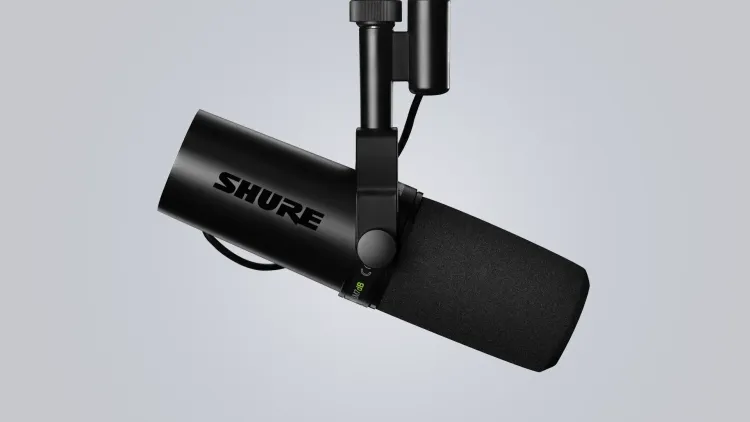
Shure SM7dB
I’ve been using the SM7dB since it launched a couple of years ago, and it’s quickly become my go-to microphone. Shure took the legendary SM7B that everyone loves and added a built-in preamp, so you no longer need to mess around with external cloudlifters or gain boosters. The sound quality is exactly what you’d expect from the SM7 line: warm, clear, and most importantly, not fatiguing to listen to during long streaming sessions or marathon recording days. It also looks great on camera, which matters more than you might think when your mic is front and center in every frame. Yes, it’s expensive, but if you’re creating content as a career, this is one of those “buy once, cry once” investments that actually pays off.
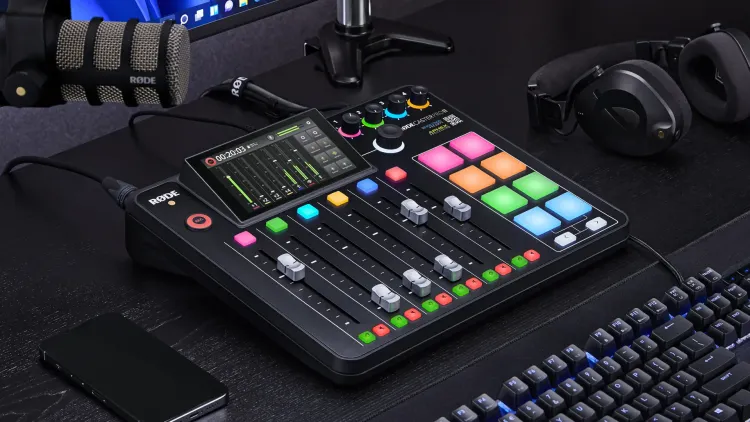
RØDECaster Pro II
I test a lot of different XLR microphones, and this lets me have up to four mics plugged in at once without having to constantly swap cables or reconfigure my setup. It simplifies my audio routing with individual channels and faders for everything: my game audio, Discord, music, microphone, and browser sources. It also powers my monitor speakers and makes switching between headphones and speakers dead simple. The audio processing is excellent too, letting me dial in the exact sound I want for any microphone, and since all the processing happens on the device itself, it doesn’t eat up any of my PC’s resources while streaming. Overkill for most people, but an instrumental tool in my workflow.

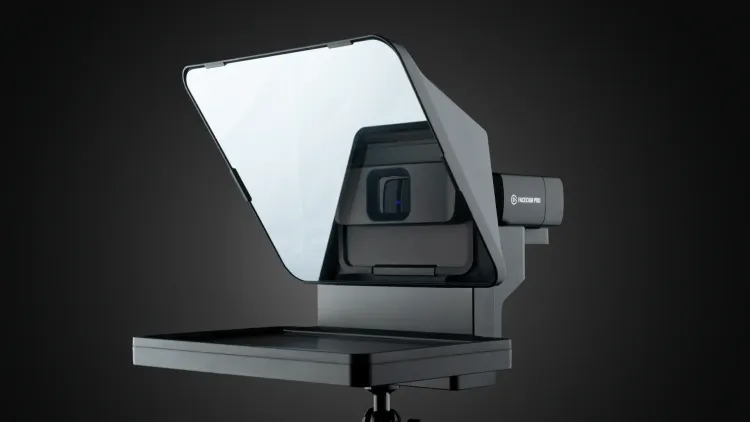
Elgato Prompter
I liked this so much that I bought a second one for filming my YouTube content. It acts as a regular monitor, so you can drag literally anything to it, which makes it incredibly versatile. I use it for scripts when recording YouTube videos and for displaying Twitch chat when I’m streaming. Best part? It only requires one cable for both power and display, so there’s minimal cable management to worry about.

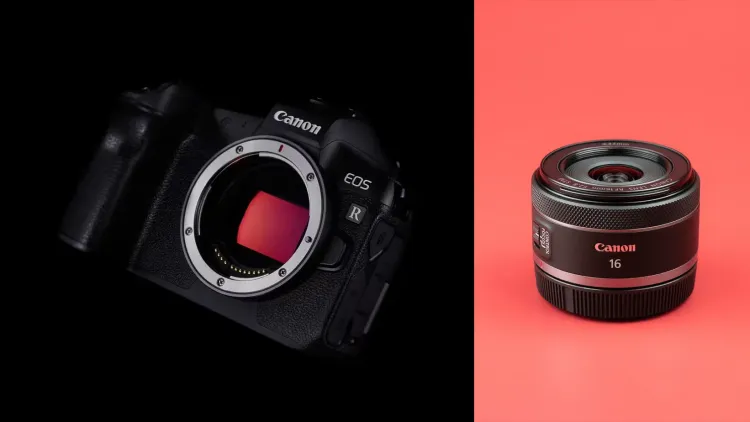
Canon EOS R + Lens
This was my main camera for filming YouTube videos, but after upgrading to the R5C, I repurposed it as my streaming camera. It’s a full-frame sensor that outputs full quality 4K UHD uncompressed over HDMI with a clean feed, so the image quality is excellent. The 16mm lens is perfect for streaming because it gives me a really wide shot of my entire setup and studio, which I think looks great as a streaming angle.

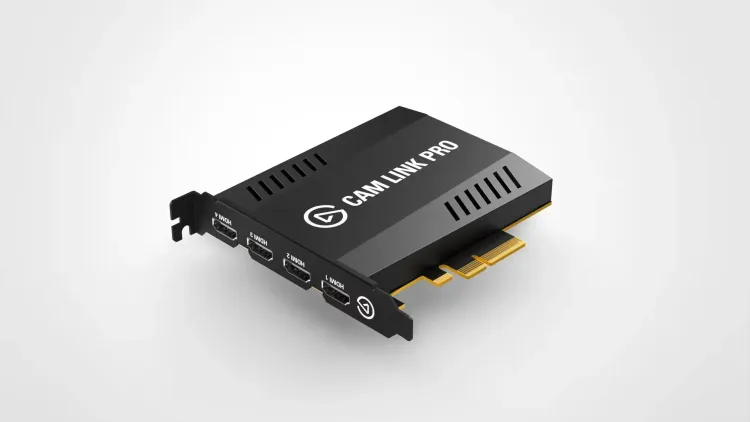
Elgato Cam Link Pro
Rather than juggling multiple individual Cam Links for each camera I want to use in my streams, the Cam Link Pro gives me four HDMI inputs into my PC at once. Similar to the RODECaster Pro II, this is incredibly useful for testing different cameras without having to tear apart and reconfigure my entire setup every time. It just makes the whole multi-camera workflow so much cleaner and easier to manage.

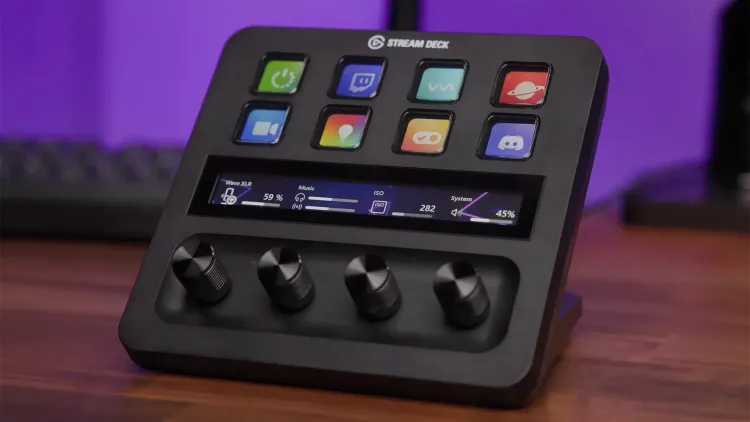
Elgato Stream Deck +
Gone are the days when I had 64 keys of Stream Deck goodness on my desk. I’ve now downsized to just the Stream Deck +, and honestly, I don’t find myself missing all those extra buttons, especially with how well integrated things like profiles and pages are in the Stream Deck software now. The dials allow finer control over my lights brightness and color temperature and the touch strips shows things like my currently playing track and artwork on Spotify. It’s like having a mini control center right there. I went with the USB Hub version since I didn’t need the XLR input, and it’s been handy having an SD card slot for my cameras and a USB port for my wireless mouse receiver that’s nice and close.

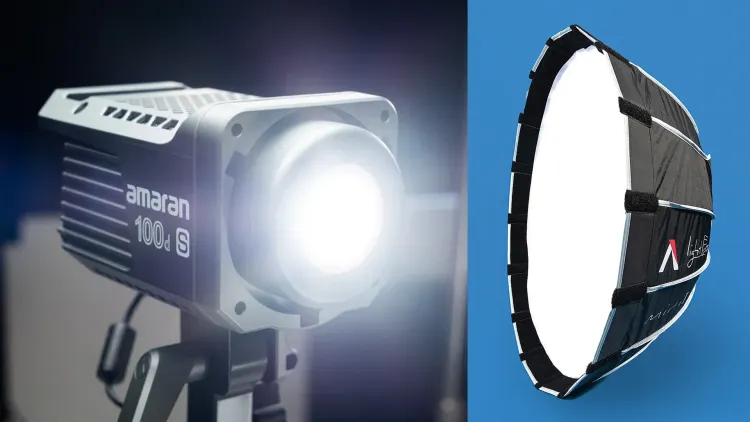
Aputure Amaran 100d S + Light Dome Mini II
I always felt like the transition between my filming setup and desk setup felt a bit jarring in my videos, mainly because of the difference in lighting. So I decided to upgrade to a more professional light with a bigger (but still mini) softbox as my main desk light, just to give that softer key light on my face. It’s mounted on a C-stand, which means I had to pull my desk away from the wall slightly, but I think it’s been well worth it for the lighting improvements. I tend to use the grid on the Light Dome Mini II just to stop too much light spilling onto my background and keep things looking clean.

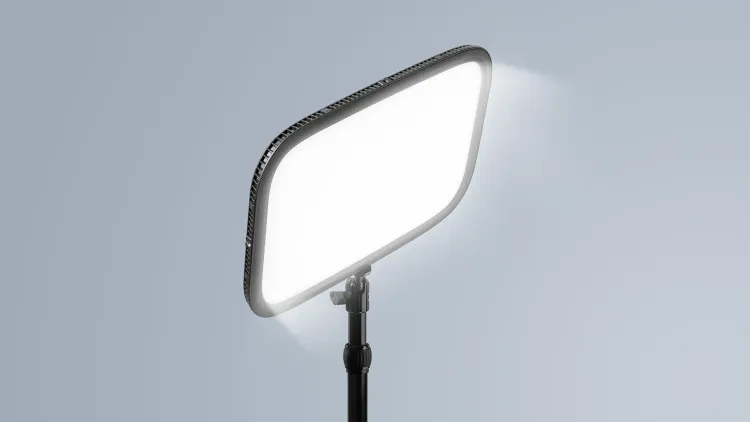
Elgato Key Light
As my fill light, I still use the original Elgato Key Light, usually at a super low percentage (around 5-10%), and it works great for just adding that little bit of extra light to fill in the shadows. Being able to dial in the brightness and color temperature from my PC, phone, or Stream Deck makes it incredibly easy to adjust on the fly. It’s mounted directly to my desk, so it doesn’t take up any floor space.

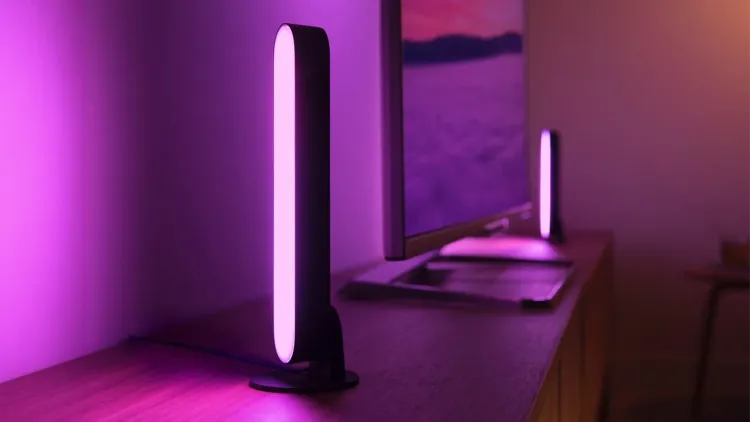
Philips Hue Play
I have five of these little Philips Hue Play bars around the back of my desk and monitors to create that colorful spill on my wall, which is usually the backdrop of my main filming setup. They’re perfect for adding some personality and color to the background without being distracting. I also use them during the day just in a daylight setting to light my pretty dark studio while I work, so they’re doing double duty.

Flexispot Standing Desk + IKEA KARLBY
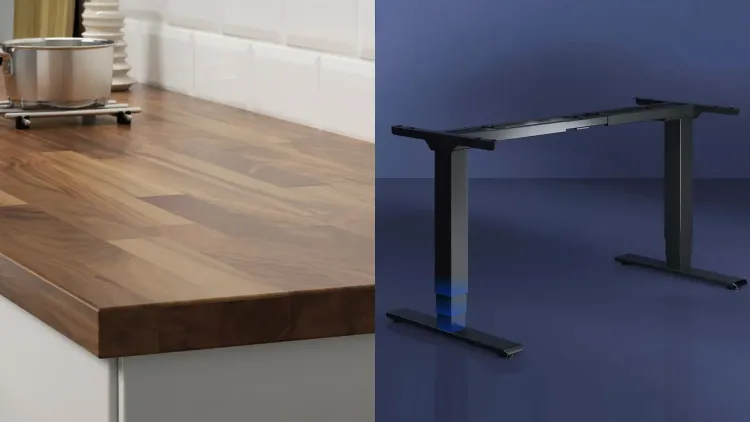
This is probably the longest standing part of my setup, no pun intended. I put this together about 7-8 years ago using an IKEA KARLBY Walnut worktop (designed for a kitchen) mounted to the Flexispot Dual Motor Legs, which was a popular IKEA mod at the time that really has stood the test of time. There’s no flex at all, even with all my computer equipment mounted to the worktop, including my heavy PC. I’m genuinely amazed at how well the desk has held up with daily use for so long. With everything mounted to the desk, I can move it up to a standing height easily and work standing up, which is good for my health and helps break up long editing sessions.

Herman Miller Embody
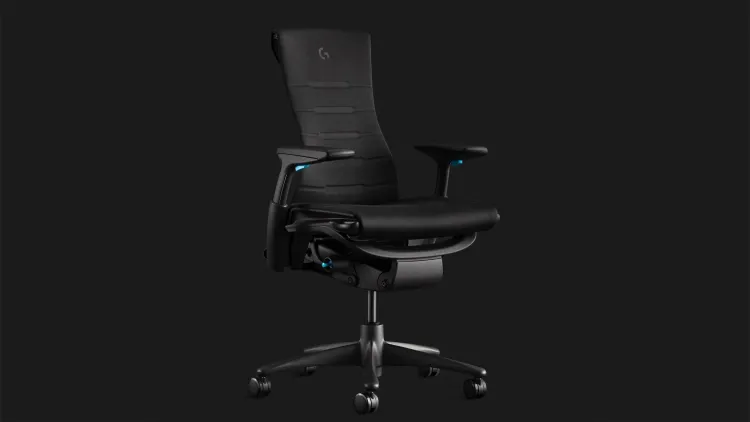
This is one of the most luxury items in my studio, and I’m not sure I can ever recommend people spend so much money on a desk chair, but I am so glad I own this. I spend way too much of my life at my desk, and I haven’t ever felt uncomfortable or unsupported in this chair like I have in the past with other office or gaming chairs. The build quality and ergonomics are just on another level. Expensive, yes, but it comes with a 12 year warranty and I’d expect it to last at-least double that. I’m sure long term review Pete will be very happy to have chosen such an expensive purchase when his back hasn’t fallen apart at 50.

Logitech G Pro Wireless
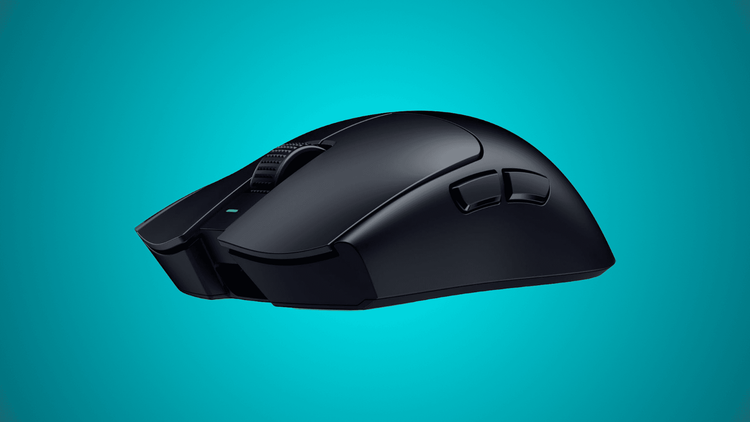
This mouse is heavy by today’s wireless mouse standards, but I just can’t fault it enough to justify upgrading. It has a great comfortable shape for my hands and decent battery life that gets me through multiple streaming sessions. I wish it was USB-C instead of micro USB, but I tend to charge it on a little magnetic dock I found on Amazon, which makes it easy enough.

Wooting 60HE
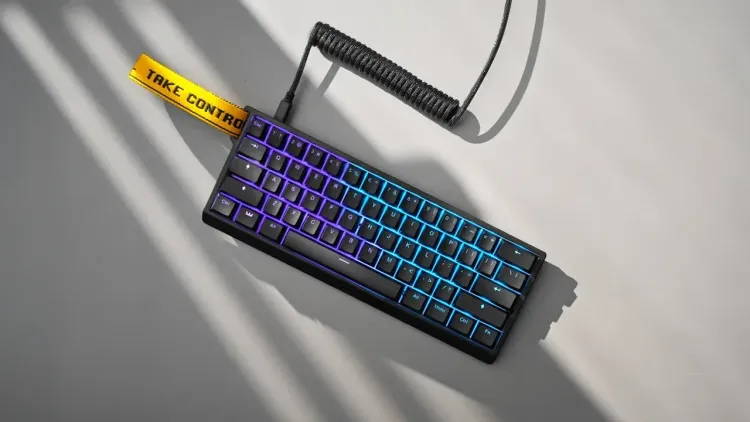
This is one of the best peripherals I’ve bought in the last few years. The Hall Effect switches let you customize the actuation point down to 0.1mm and control how quickly the switch can be disabled too, which makes a big difference in FPS games, especially CS2, which is what I mainly play. The level of customization in their web-based software is awesome too.

SteelSeries QcK Heavy XXL
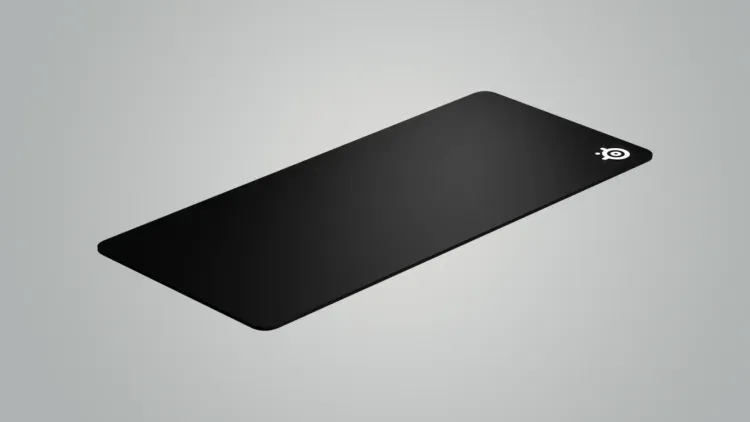
I’ve been using the SteelSeries QcK Heavy for 15+ years at this point and just have never seen a reason to go anywhere else. It’s pretty inexpensive, performs consistently, and I don’t like the pads with a stitched edge anyway. I probably replace it every three years or so just to keep it fresh, but otherwise I just clean it every couple of months in a sink of hot water, and it’s good as new.

Custom PC
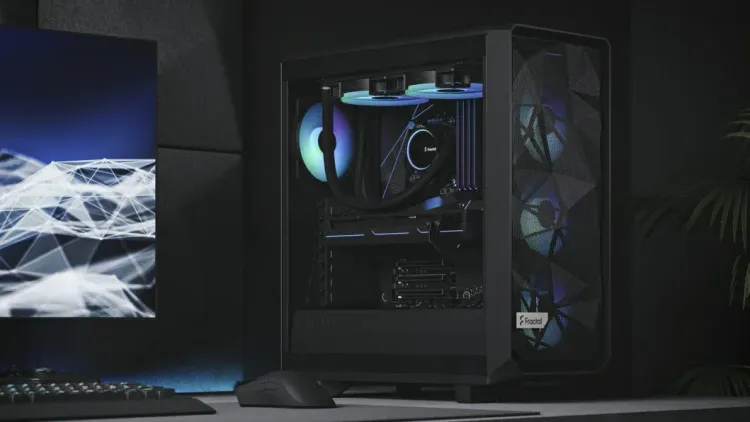
My PC is built around the NVIDIA GeForce RTX 4080 Founders Edition, and I’ve mainly stuck with NVIDIA because of how well NVENC has performed for encoding tasks like streaming in OBS or rendering video in DaVinci Resolve. Using a dedicated encoder is just leagues ahead of CPU encoding when you’re trying to stream at high quality while gaming. It’s paired with an Intel Core i7-13700KF and 32GB of DDR5 RAM, all built inside the Fractal Design Meshify 2. This PC is a few years old now, but it’s still holding up incredibly well for everything I throw at it.

GIGABYTE M27UP
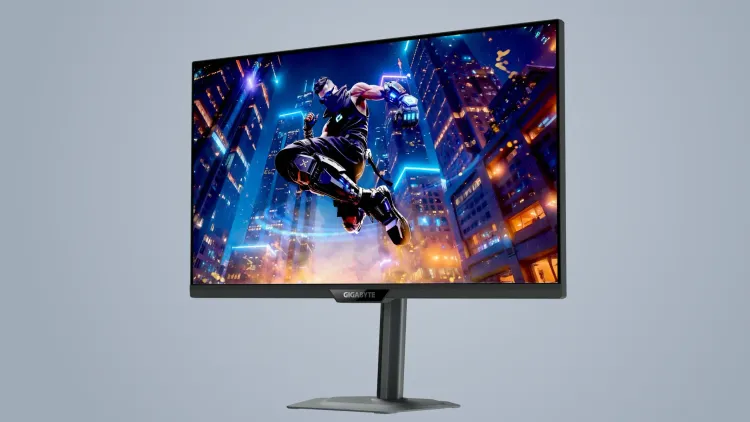
This is my main monitor, and it’s brilliant because it’s a dual mode display that lets me switch between 4K 160Hz for work and 1080p 320Hz for gaming. For work, I use the 4K mode when I’m editing in Resolve, screen recording in OBS, creating thumbnails in Photoshop, or writing in Notion, and the extra real estate and clarity makes a real difference. When I switch to gaming, I drop down to 1080p 320Hz since I mostly play esports titles like CS2 and League of Legends, where motion clarity is more important than pixel-perfect details. There’s also the nice bonus that 4K 160Hz is still plenty for those less competitive but more visually interesting games.

Dell P2720D
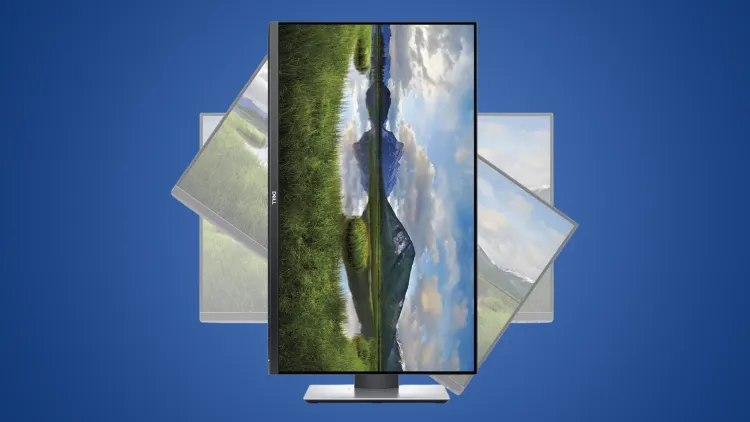
This is just a generic 27″ 1440p IPS monitor that I mount vertically to the left of my main display. I use it for OBS, Discord, Spotify, Twitch Chat, and all those secondary applications that I need to glance at while streaming or working. I’ve always preferred a vertically mounted second monitor for these kinds of tasks because it requires less of a head turn to see everything, and you can easily stack two or three applications above and below each other.

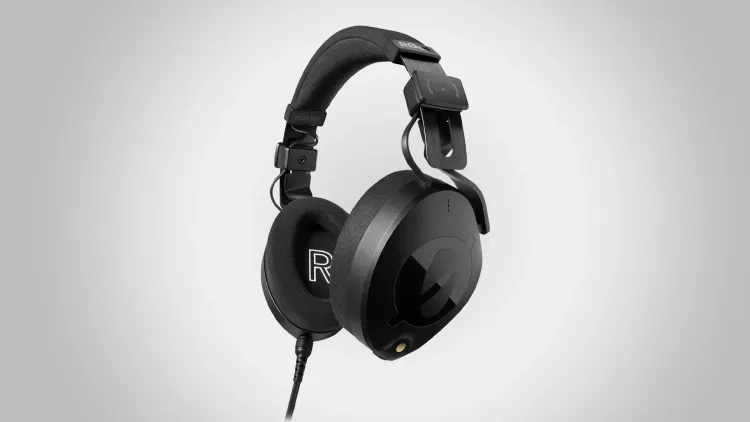
RØDE NTH-100
These are my “editing” headphones, or the headphones I use if I ever need to monitor my voice since there’s no delay with a wired connection. What I really appreciate is that they give me a more true representation of what my audio sounds like compared to most gaming headsets that will emphasize bass or treble and shape the sound in some way. That’s crucial when you’re balancing audio for a video that thousands of people might watch.

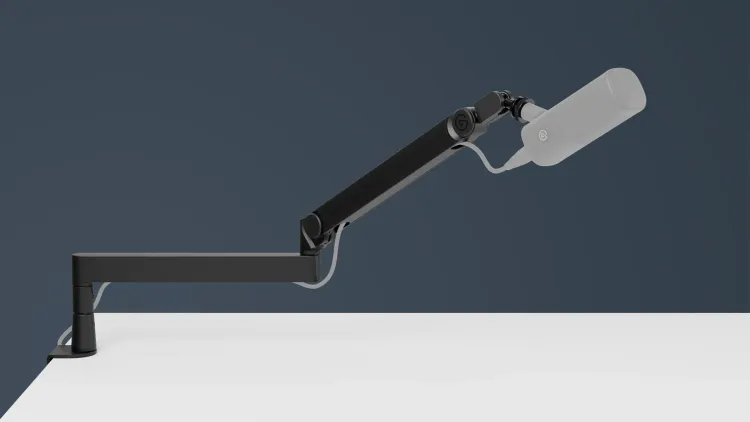
Elgato Wave Mic Arm Pro
I’ve always preferred low-profile mic arms that can extend out from under a monitor. I think they look cleaner and don’t block out your background from your camera like a traditional mic arm does. Elgato were the first company to really build something solid enough for heavy mics like the SM7B while also being reasonably priced, which was a game changer. I also love the cable channels for hiding the XLR cable neatly, so everything looks clean on camera.

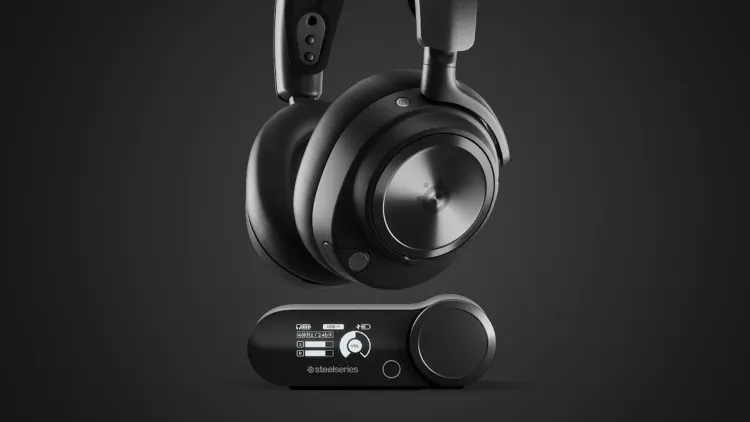
SteelSeries Arctis Nova Pro Wireless
I’ve used SteelSeries wireless headsets for probably a decade now, and I still think they’re the most comfortable to wear for many hours back to back, especially as someone who primarily wears glasses. The hot swappable batteries are a must too, because as soon as the battery starts getting low, you can swap it out for the one in the base unit that’s fully charged. The only downside is the tiny bit of latency that you get with any wireless headset, so mic monitoring of an XLR mic isn’t really possible. This is my primary set of headphones for anything that isn’t editing or podcasting.

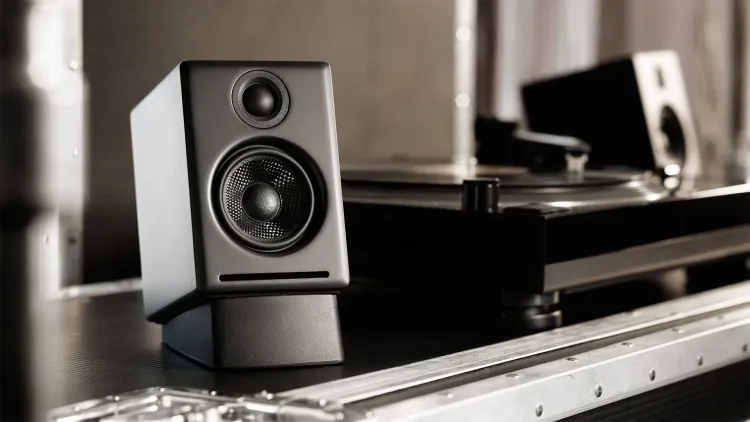
Audioengine A2+ Desktop Speakers
These mini speakers pack a punch without taking up much space on my desk. I use them with their optional stands to raise them up and angle them towards my ears for better sound. They’re perfect for everything I do at my computer, including editing, and even at 30% volume they’re plenty loud enough for my needs. They plug directly into my RODECaster Pro II, so I never need to reach around the back to adjust levels or turn them on and off, which is super convenient. I love how they look and love how they sound, which is about all you want from a pair of desktop speakers.
Filming Setup
I’m still putting this section together. Check back soon for all the gear I use in my filming setup.
Software
I’m still putting this section together. Check back soon for all the software I use.
Tools
I’m still putting this section together. Check back soon for all the tools and plugins I use.

The founder of Gaming Careers with a borderline unhealthy obsession for cameras, microphones, and all things streaming. He gets mistaken for Stephen Merchant at least 5 times a day.
You Might Also Enjoy…

Free Tools to IMPROVE Your Twitch Stream
Looking for free ways to make your Twitch stream better? We cover 7 invaluable resources for improving production quality and engaging your audience effectively.

How to Stream on Twitch Like a Pro: A Step-by-Step Guide
Learn how to stream on Twitch by following our step-by-step guide. From setting up OBS to growing your audience. Start streaming on Twitch today!

Upgrade Your Stream: 30 Free Webcam Filters for Twitch Streamers
Elevate your Twitch stream with our 30 FREE webcam filters. Transform your stream’s production quality without spending a dime on new equipment. Download now!