

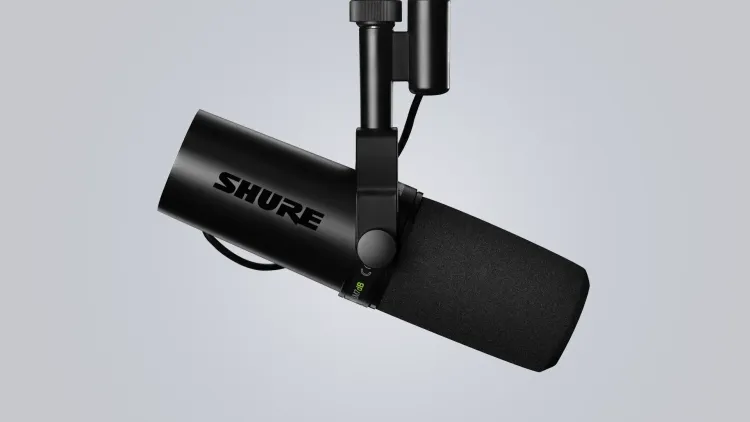
Shure SM7dB
My go-to microphone since its launch. Shure took the legendary SM7B and integrated a built-in preamp, brilliantly eliminating the need to mess around with external cloudlifters or gain boosters.
We believe in transparency. Purchases through links on this page may earn us an affiliate commission at no extra cost to you. Learn more.
My go-to microphone since its launch. Shure took the legendary SM7B and integrated a built-in preamp, brilliantly eliminating the need to mess around with external cloudlifters or gain boosters.
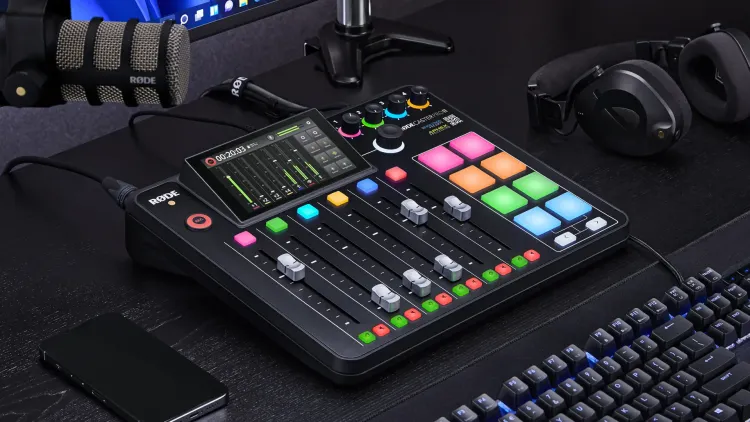
I test multiple XLR microphones, and this mixer lets me keep four plugged in simultaneously without swapping cables. I prefer its physical faders over knobs, allowing me to easily route separate PC applications while utilizing the phenomenal APHEX-processed preamps.
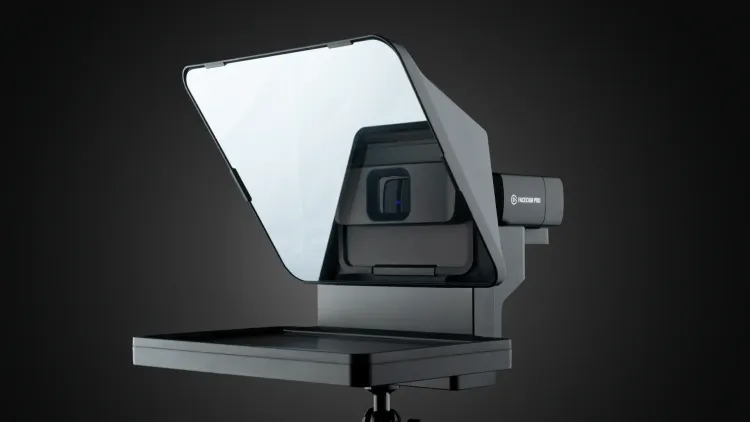
I loved this so much I bought a second one for YouTube filming. It functions as a regular monitor, allowing you to drag literally anything onto the screen for incredible versatility.
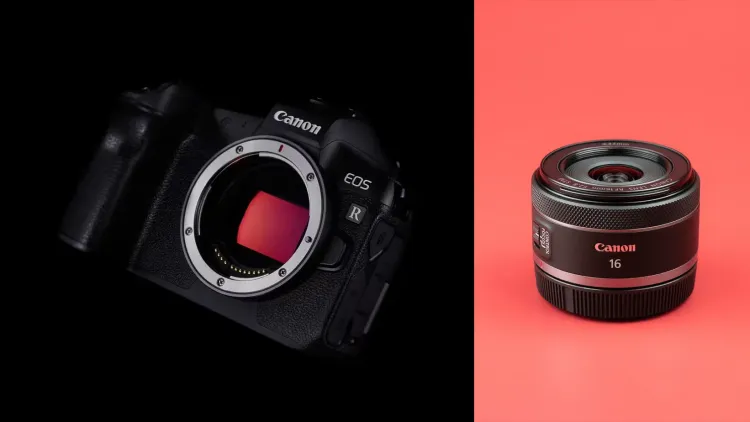
My former main YouTube camera, now repurposed for streaming after upgrading to the R5C. Paired with a 16mm lens, it captures a beautifully wide, immersive angle of my entire studio setup.
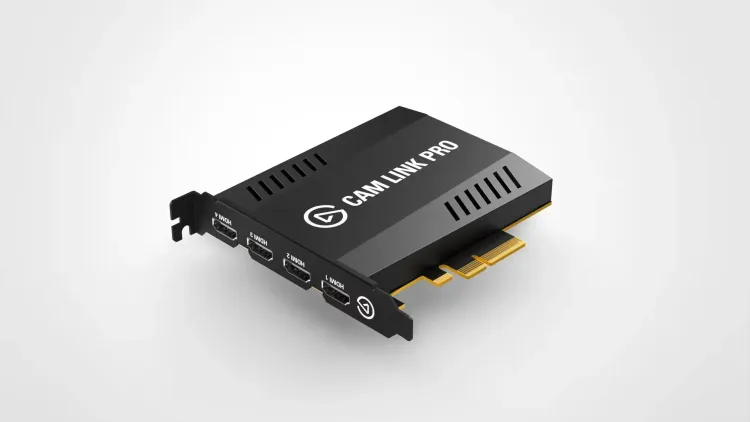
Instead of juggling multiple individual USB dongles, the Cam Link Pro provides four dedicated HDMI inputs directly into my PC for a seamless multi-camera streaming setup.
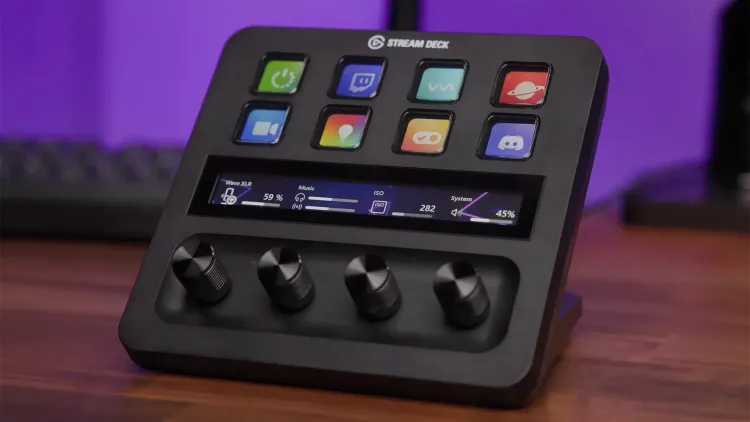
I downsized from a 64-key setup to just the Stream Deck +. Thanks to well-integrated profiles and pages in the software, I honestly don't miss the extra buttons at all.
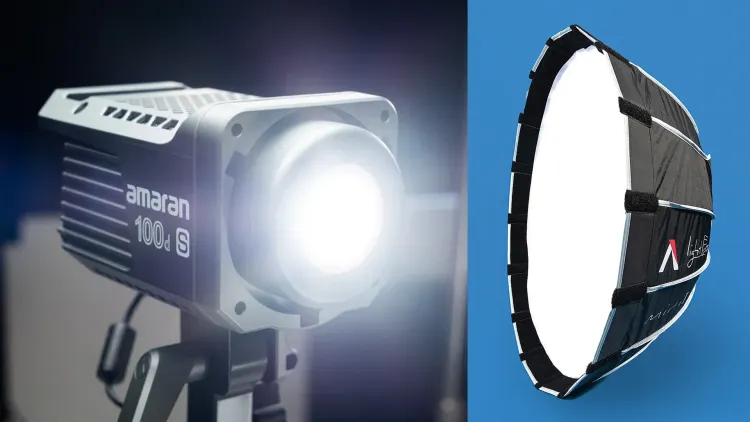
I upgraded to this professional light and mini softbox to fix jarring lighting differences between my filming and desk setups, providing a much softer, consistent key light on my face.
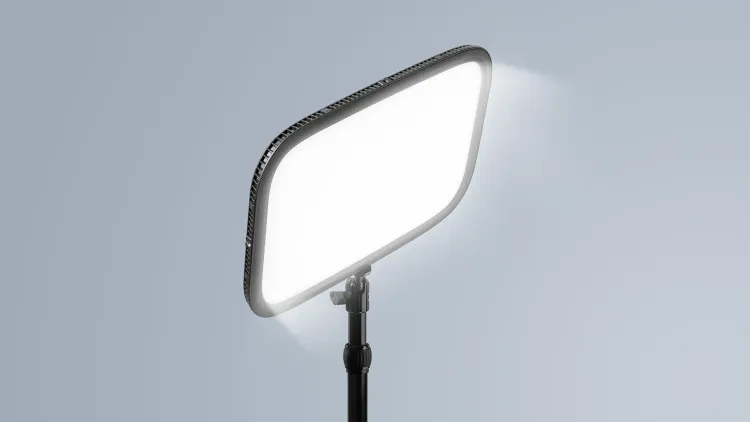
Serving as my fill light at a super low 5-10% brightness, this perfectly softens harsh shadows. Its direct desk mount completely frees up valuable floor space in the studio.
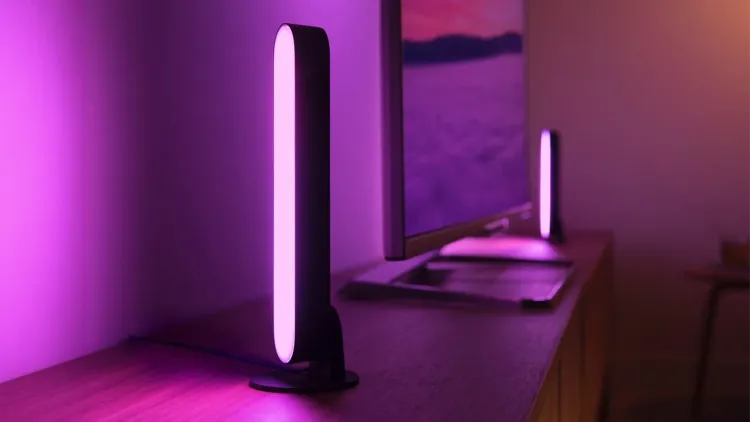
Five of these little bars sit behind my desk and monitors, casting a beautiful color spill on my wall. They add the perfect amount of personality and backdrop color to my main filming setup without being distracting.
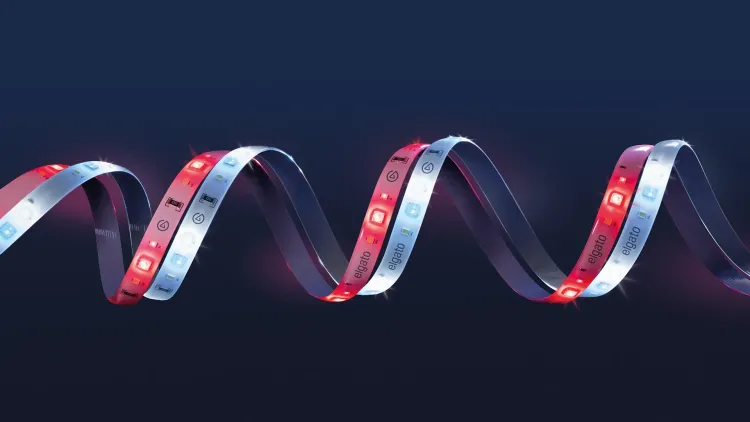
Stuck to the back of my desk, these two strips provide a colorful spill backdrop effect. They are easily controlled via my Stream Deck and stay completely hidden from view, enhancing the lighting without adding visual clutter.
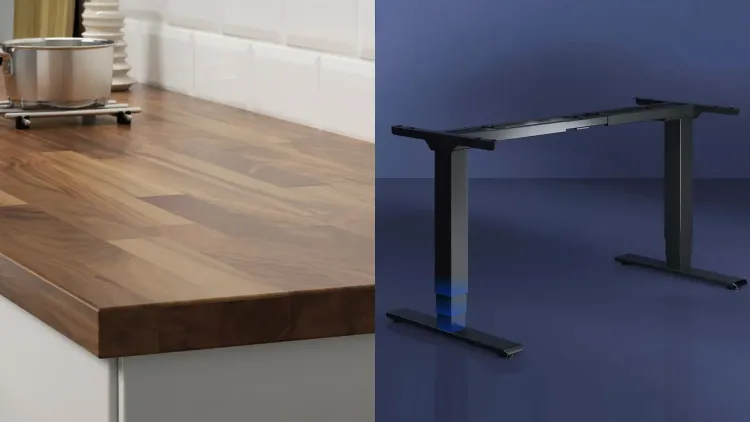
This classic DIY hack combines a beautiful IKEA KARLBY walnut kitchen worktop with Flexispot dual-motor legs. Going strong for nearly a decade, this popular mod has truly stood the test of time.
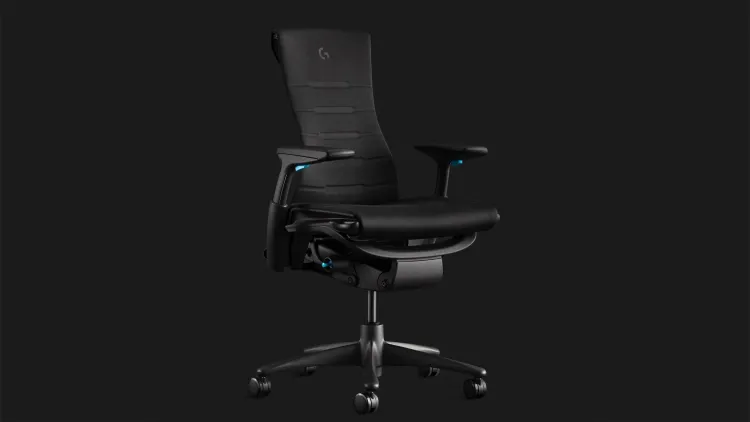
I spend way too much time at my desk, and this chair's next-level build quality and ergonomics guarantee I never feel uncomfortable or unsupported like I did with past gaming chairs.
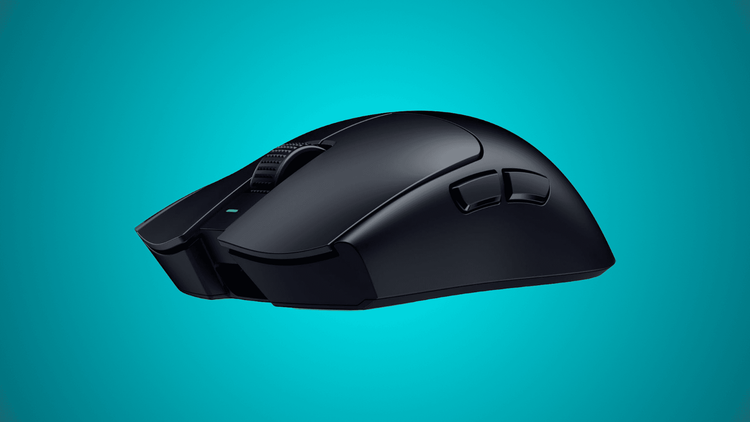
The upgraded sensor and higher polling rate make a genuine difference in competitive games. But honestly, the biggest draw for me is the design, I've always preferred symmetrical shapes over ergonomic ones, and the 54g weight of this mouse is almost half of what I was using previously.
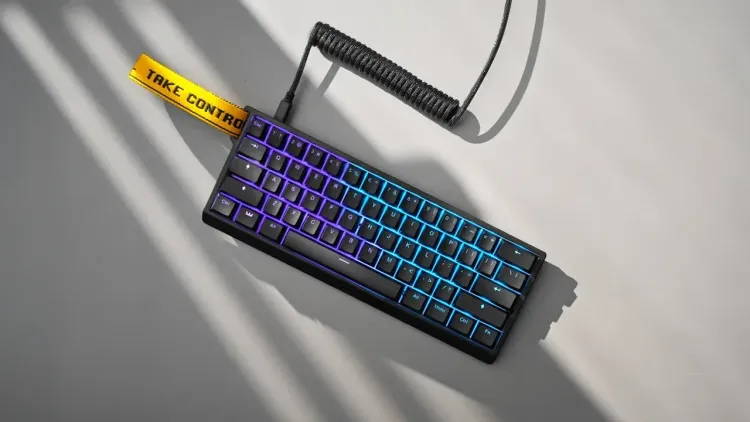
This is one of the best peripherals I've bought in the last few years. The Hall Effect switches offer unmatched customizability, letting you adjust the actuation point down to an incredibly sensitive 0.1mm.
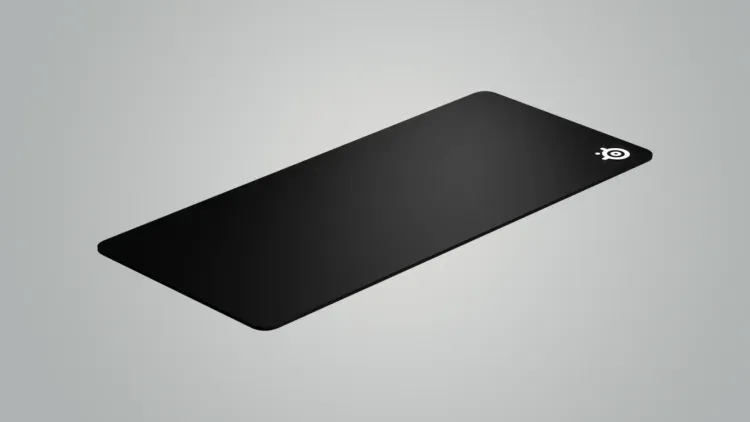
I've relied on the SteelSeries QcK Heavy for over 15 years because it's inexpensive and performs incredibly consistently. I actually prefer its clean, unstitched edges over modern alternatives.
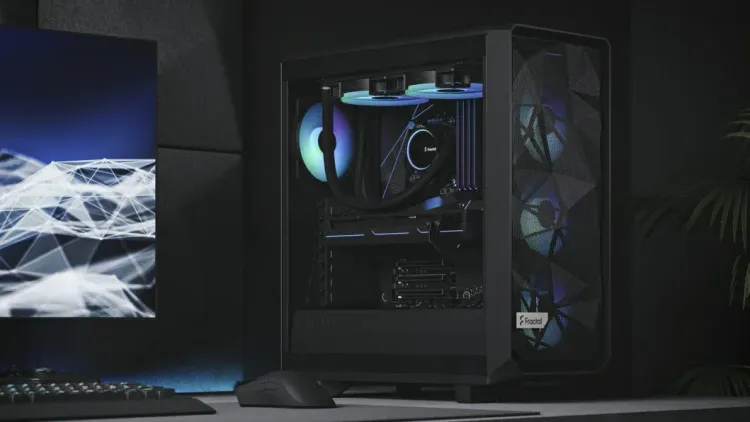
Built around the NVIDIA GeForce RTX 4080 Founders Edition, I rely on NVIDIA for its phenomenal NVENC encoder, ensuring flawless streaming in OBS and rapid video rendering in DaVinci Resolve.
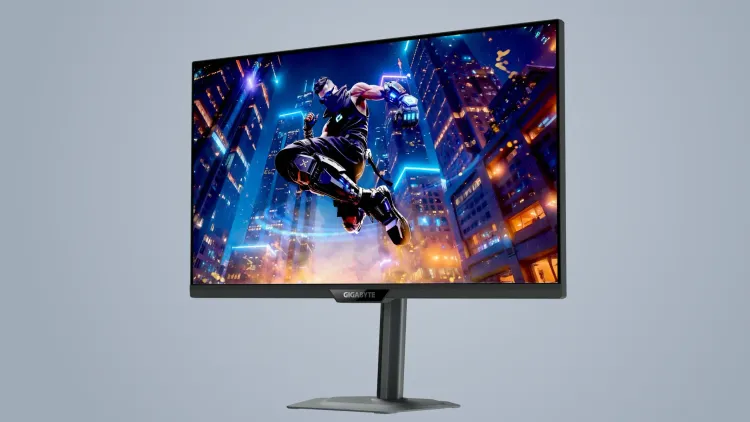
My brilliant main monitor features a dual-mode display, letting me seamlessly switch between crisp 4K 160Hz for work and an ultra-fast 1080p 320Hz mode for competitive gaming.
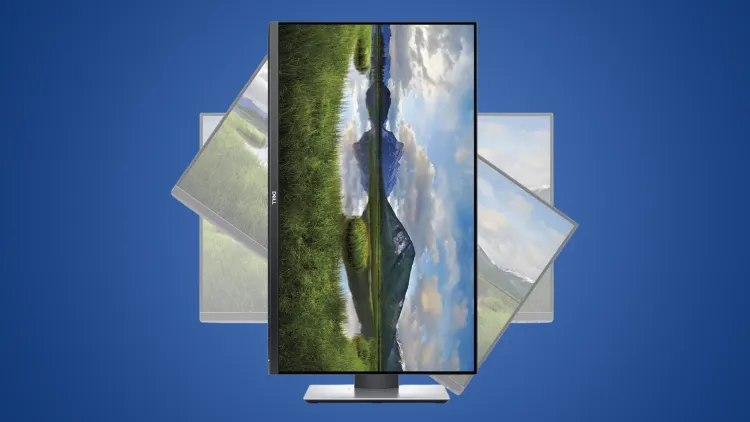
A reliable 27" 1440p IPS monitor mounted vertically to the left of my main display. It perfectly houses secondary apps like OBS, Discord, Spotify, and Twitch chat while I'm streaming or working.
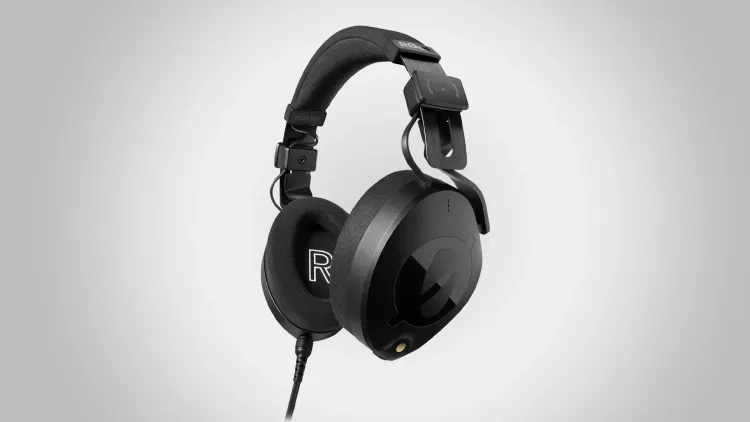
These serve as my dedicated editing headphones, offering zero-latency voice monitoring thanks to their reliable wired connection.
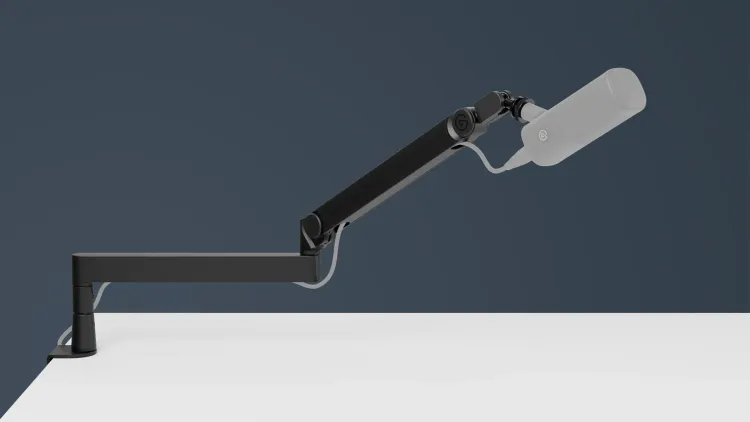
I've always preferred low-profile mic arms that extend seamlessly from under a monitor. They look significantly cleaner and prevent the arm from blocking your background on camera like traditional broadcast booms do.
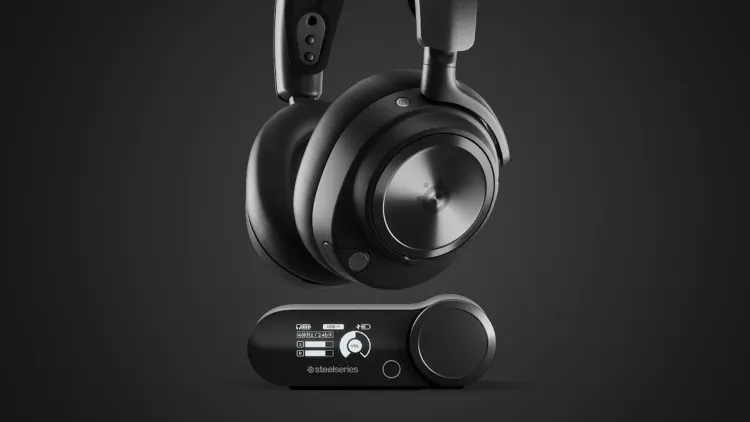
I've used SteelSeries wireless headsets for a decade, and these remain the most comfortable for long sessions, especially with glasses. They are my primary headphones for everything outside of editing and podcasting.
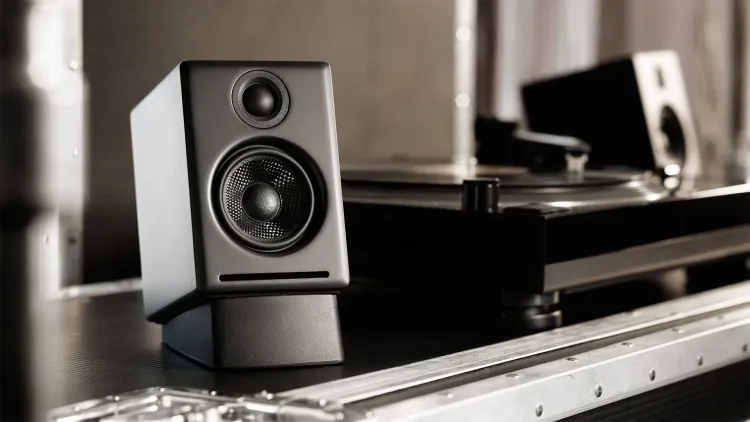
These mini speakers pack a serious punch without consuming much desk space. I pair them with their optional stands to angle them directly toward my ears for an optimal listening experience.
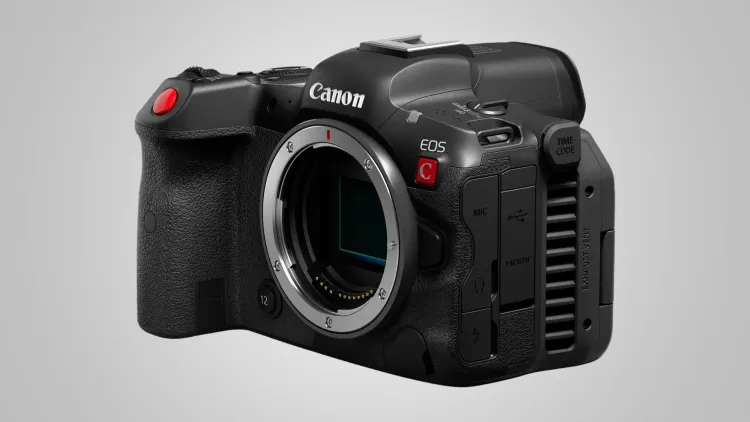
This is the main camera on my YouTube filming rig. It's a full-frame Cinema EOS body in an R5-sized shell, with a built-in fan so it keeps recording through long talking-head and tutorial takes.
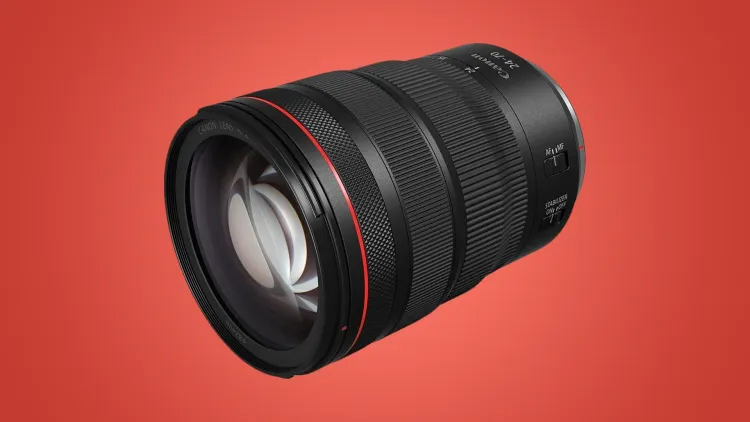
This is the lens that lives on my R5 C for YouTube filming. The 24-70mm range covers wide desk shots and tighter talking-head framing without changing lenses, and f/2.8 gives me a soft background.
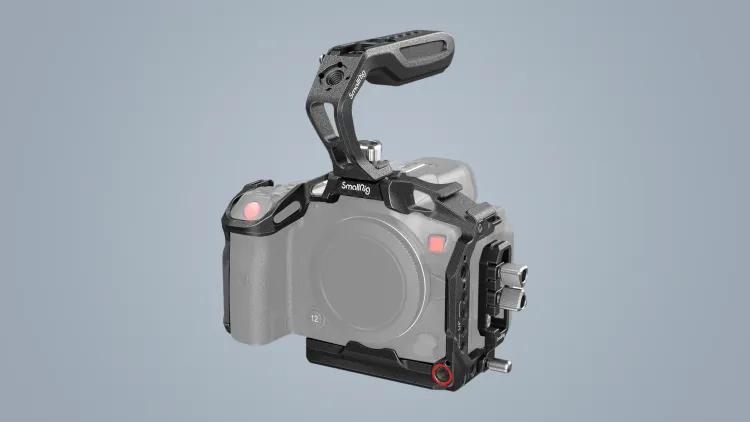
This cage wraps my R5 C and gives me somewhere to mount the monitor, V-mount battery and audio gear on my YouTube rig. It is made for the R5 C body specifically, so it fits snugly and leaves the controls clear.
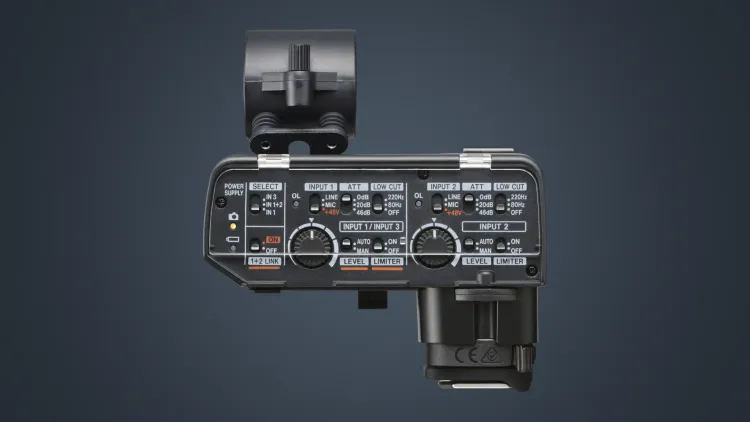
This XLR adapter sits on the R5 C's multi-function shoe so I can plug a proper XLR microphone straight into the camera. It takes power and sends digital audio through the shoe, so there are no extra cables or batteries on the rig.
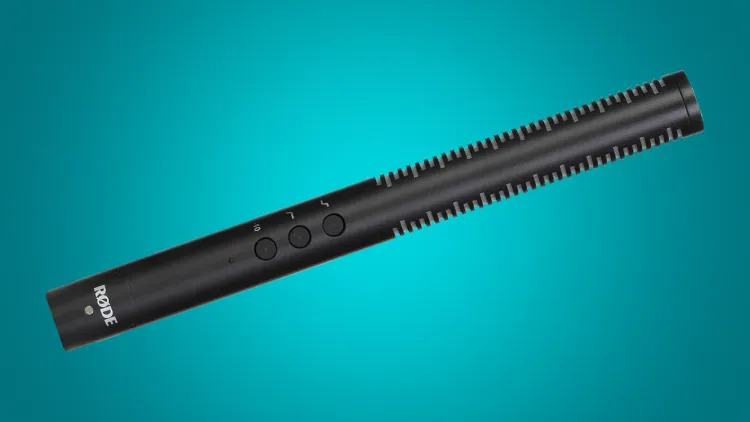
The NTG4+ is the shotgun mic I use to record audio when I'm filming. It picks up my voice cleanly from just out of frame and keeps the room noise down.
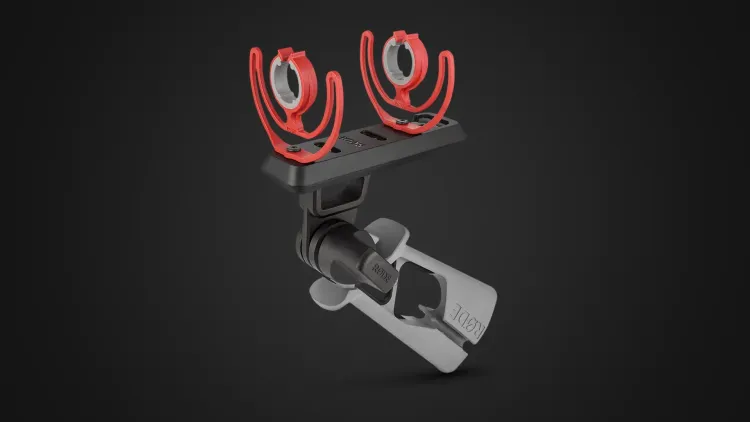
The PG2-R is the pistol grip I use to hold my NTG4 shotgun mic. Its suspension soaks up handling noise, and the threaded base lets me mount it on a stand or boom when I'm filming.
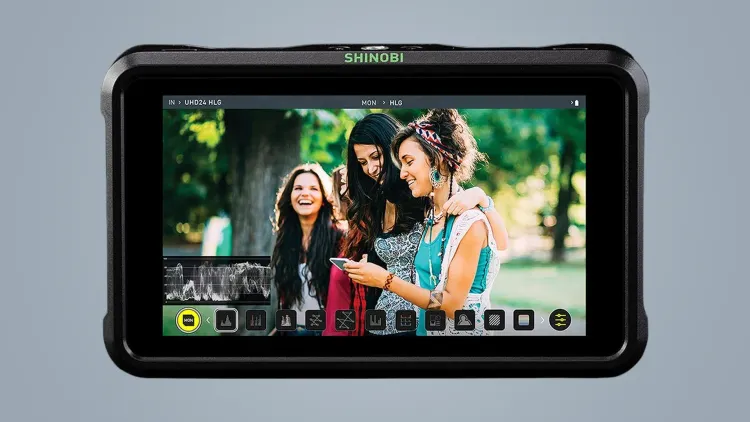
The Shinobi is the 5-inch monitor on top of my R5 C. It gives me a bigger, brighter view for checking framing and focus, plus scopes for exposure when I film YouTube videos.
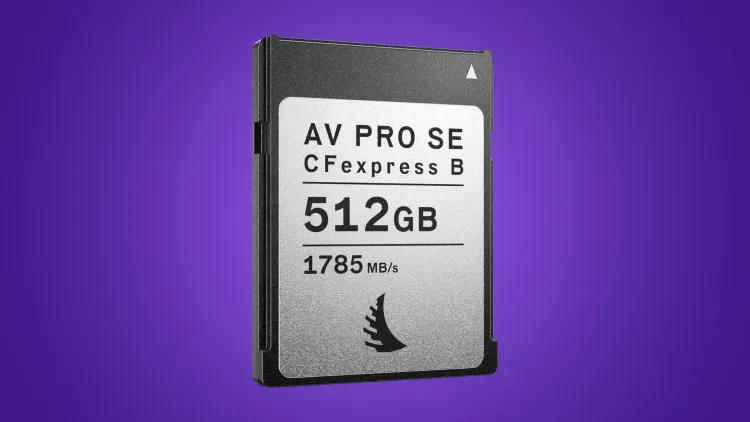
This is the card I record to in the R5 C. It keeps up with the high-bitrate codecs I use for YouTube, and Angelbird builds its cards for steady sustained writes rather than short bursts.
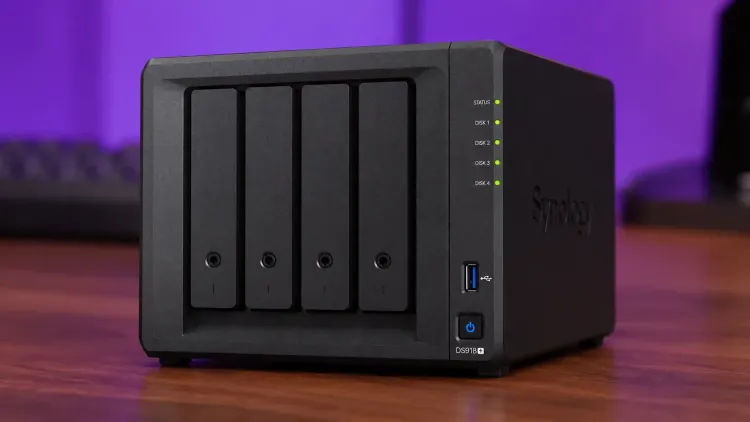
The quiet workhorse behind everything I make. I've run this 4-bay NAS every day for almost eight years as my media server, home photo backup and offsite backup.
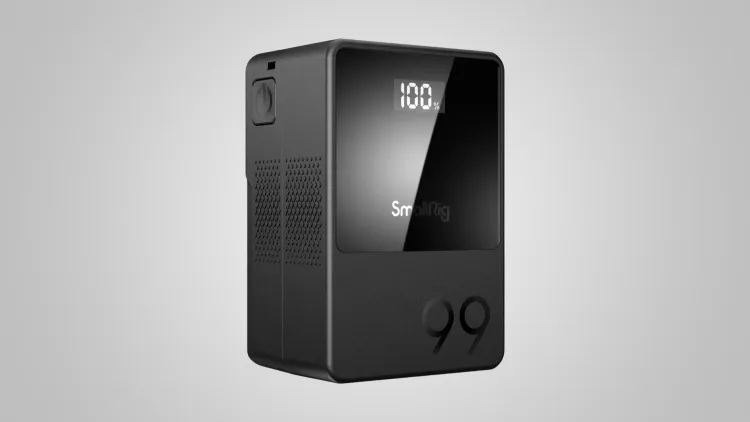
I run my R5 C rig off SmallRig VB99 V-mount batteries and keep more than one charged so I can swap during long filming days. One battery powers the camera and accessories through its D-Tap and USB-C outputs.
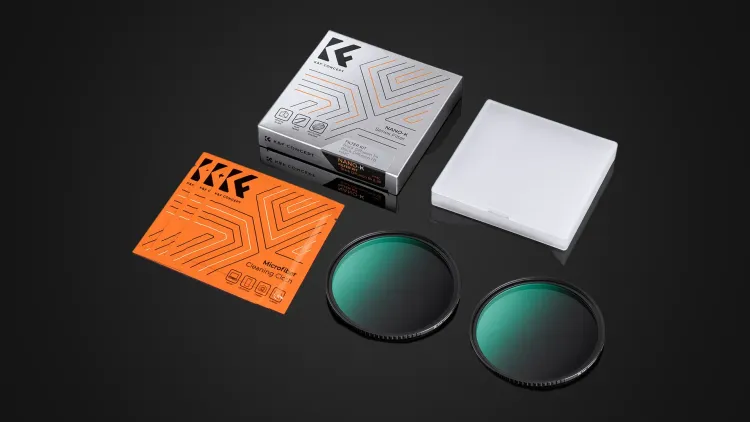
I use K&F Concept's Black Mist filter and a soft diffusion filter on my RF 24-70mm to take the edge off the R5 C's very sharp, clinical image. They soften highlights and skin a little for a more filmic look on camera.
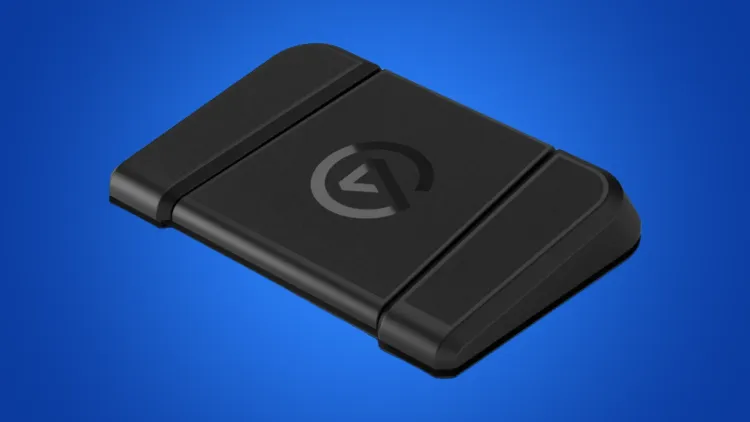
I use the Stream Deck Pedal to move my teleprompter script along while I'm filming, so my hands stay free and I never have to look away from the lens.
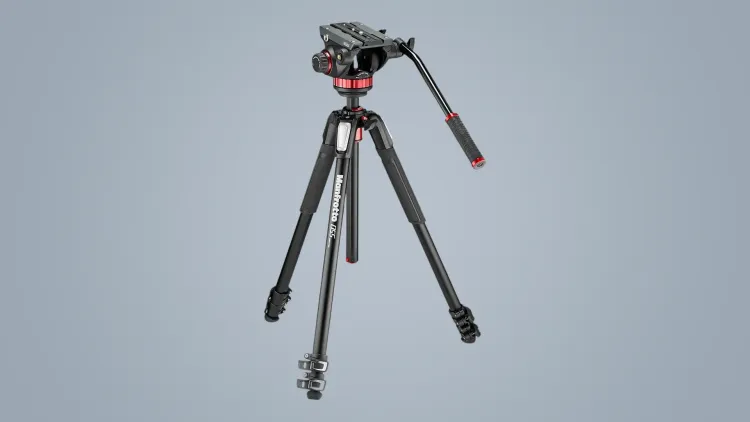
This is the main tripod for my filming camera. The 055 legs are rock solid and the 502 fluid head gives me smooth, controlled pans and tilts when I need to reframe a shot.
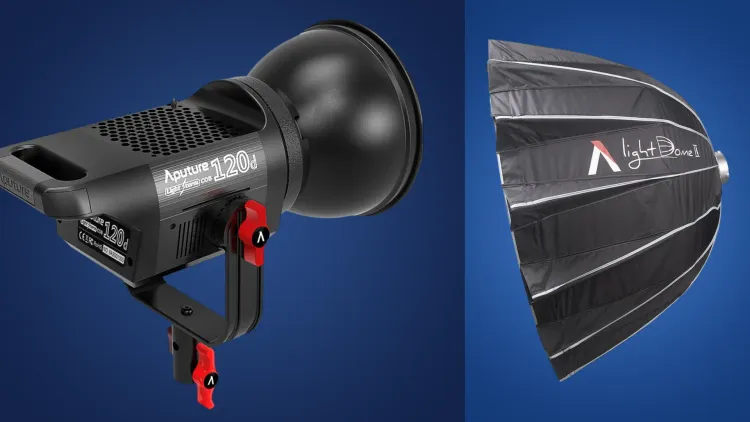
This is the key light for my filming setup. The 120d puts out plenty of daylight balanced light and the Light Dome II turns it into a big, soft source that wraps nicely around my face.
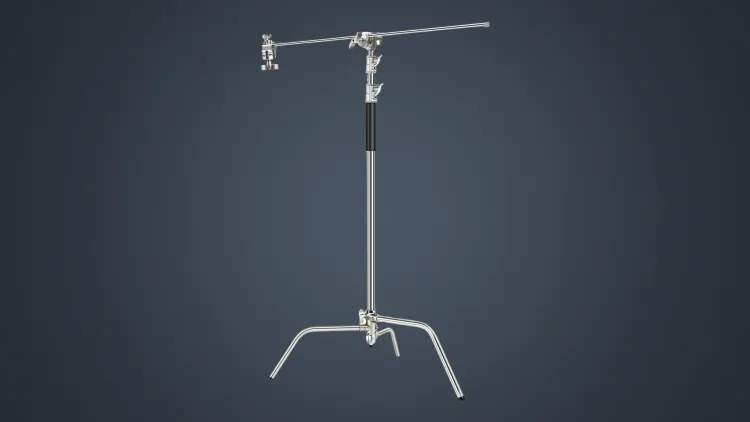
I run two of these C-stands in my filming setup to hold lights and gear exactly where I need them. The boom arm gets a light over the shot without a stand in frame, and the sprung column stops anything slamming down.
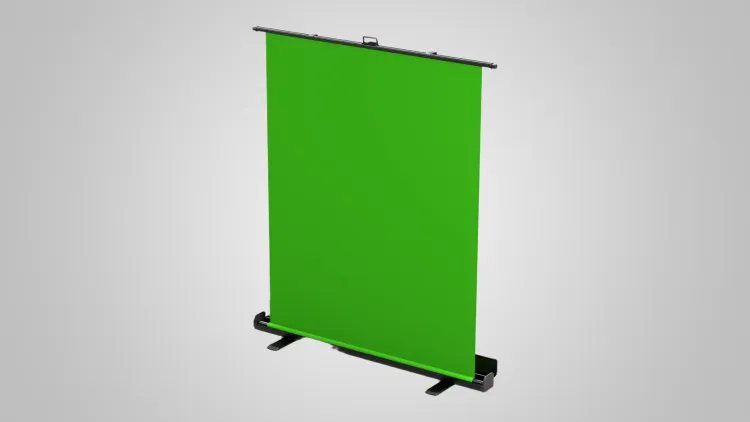
I use the Elgato Green Screen when I need to key out my background for filming. It pulls up out of its case and locks in place in seconds, then packs away when I'm done.
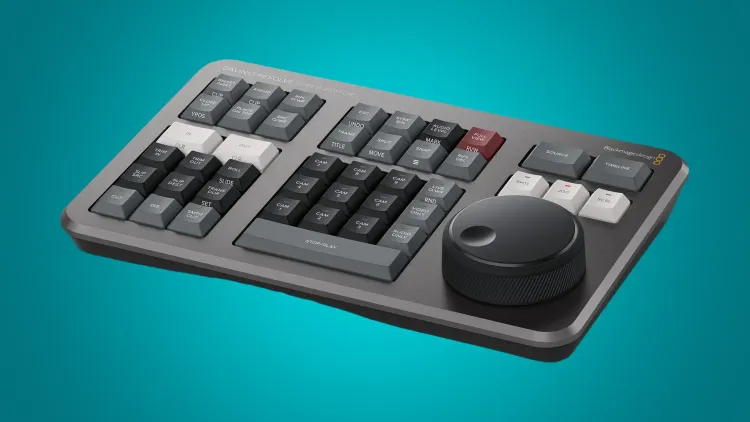
I use the Speed Editor to cut my videos in DaVinci Resolve Studio without touching the mouse. The search dial and dedicated edit keys let me scrub, trim and assemble a timeline far faster than clicking around.
OBS Studio is the software I've built my YouTube channel around, teaching people how to do cool things with it. It's what I use to record and stream, it's free and open source, and it barely touches your game's framerate.
I edit my YouTube videos in DaVinci Resolve Studio. It's been far more stable for me than Premiere Pro ever was, and Studio is a one-off purchase rather than a subscription.
I built the LUT Designer so you can make a custom colour grade for your webcam. You preview looks live on your own camera in the browser, tweak them, and download a free LUT for OBS or Streamlabs.
Shutter Encoder is my go-to for converting and compressing video files. It puts FFmpeg behind a simple interface, so I can make proxies, rewrap footage or shrink a file for sharing without the command line.
I use Affinity for thumbnails, graphics and photo edits. Since Canva relaunched it, the photo, vector and layout tools live in one app and it's free for individuals.
Epidemic Sound is where I get music and sound effects for my videos. With my channel connected, the tracks I use are cleared, so I don't have to worry about copyright claims.
I use Notion to plan videos and keep my notes, scripts and projects organised in one workspace. Databases and templates mean I can set things up once and reuse them.