Twitch Social Badges Are Now Live
Twitch has officially launched Social Media Badges, rewarding viewers who help clips go viral on Instagram, TikTok, and YouTube.
Twitch’s Social Badges: Everything You Need to Know
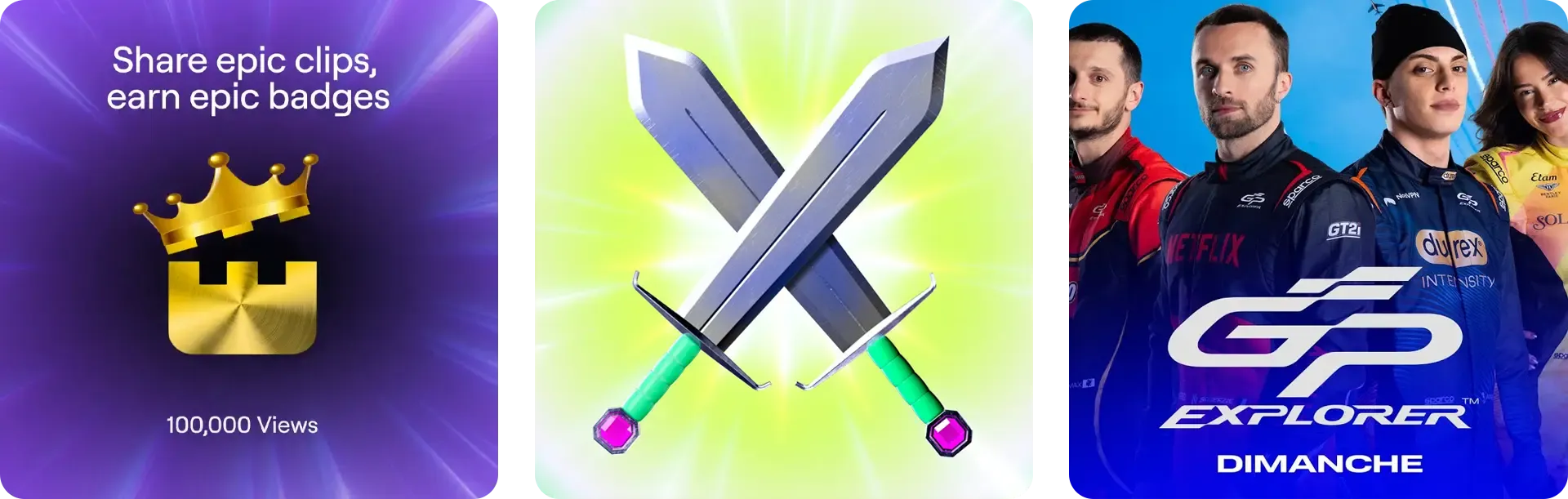
Twitch has officially launched their Social Media Badge program (opens in a new tab), introducing a new way for viewers to earn recognition by sharing clips off-platform. The concept is straightforward: share your favorite streamer’s clips on TikTok, Instagram, or YouTube, submit the links to Twitch, and earn exclusive chat badges based on how many views your posts accumulate.
This represents Twitch’s latest attempt to incentivize organic promotion of its content beyond the platform itself. But is it worth encouraging your community to participate?
How the System Actually Works
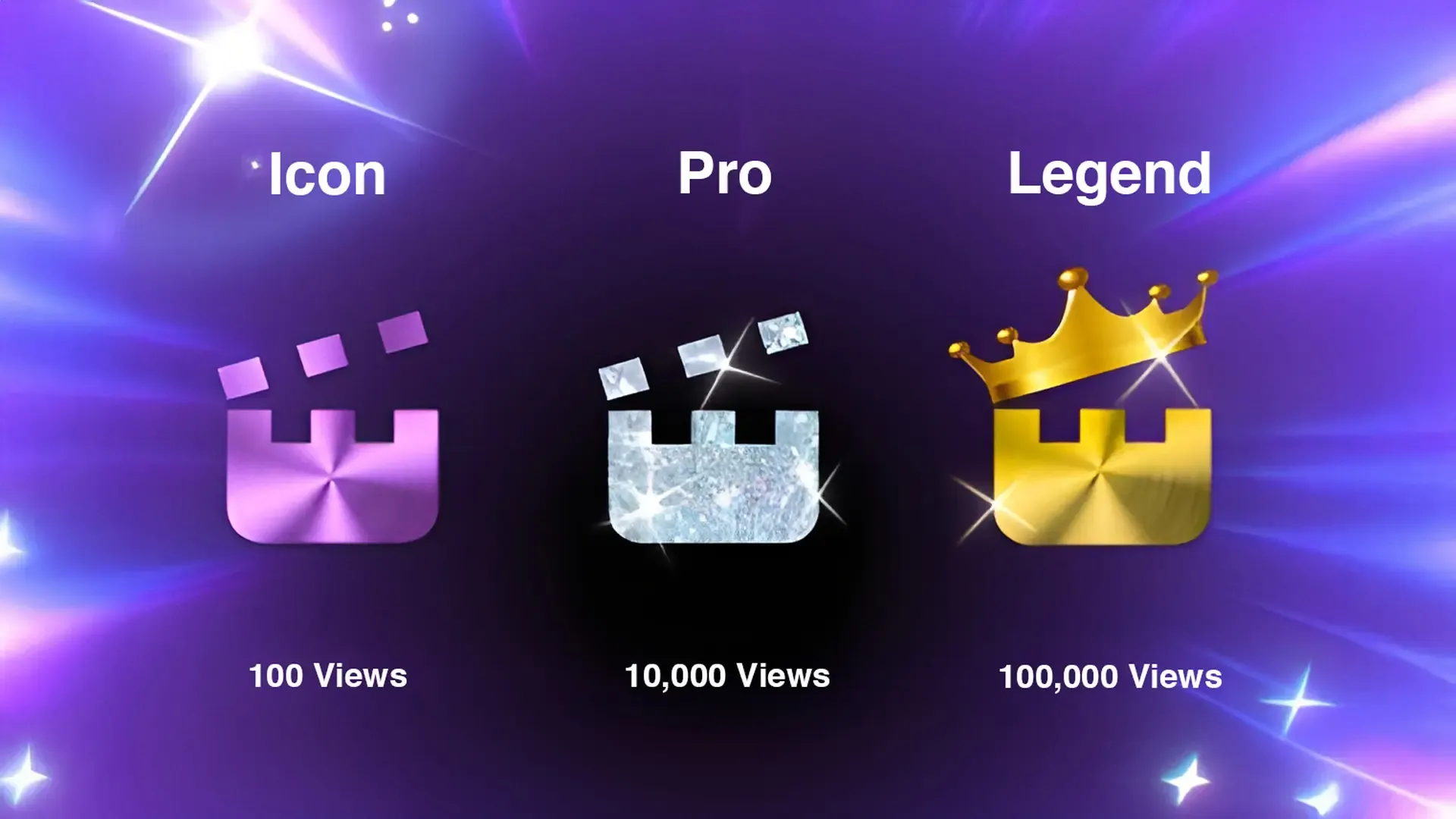
The badge system has three tiers, each unlocked by reaching specific viewership milestones across all your submitted posts for a particular streamer:
- Icon Badge: 100 total views
- Pro Badge: 10,000 total views
- Legend Badge: 100,000 total views
The process for viewers is relatively simple:
- Download or share a clip from a participating channel
- Post it to your linked Instagram, TikTok, or YouTube account
- Submit the post URL through Twitch’s viewer submission form (opens in a new tab)
- Twitch tracks your view counts automatically every 2 days
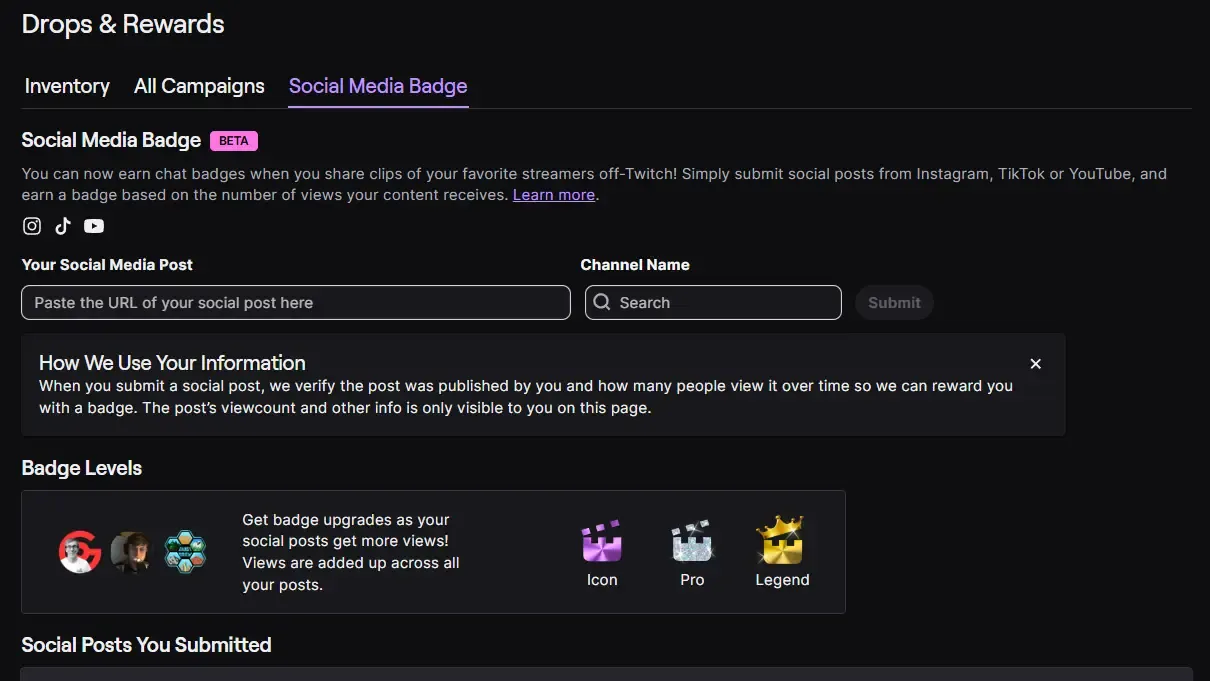
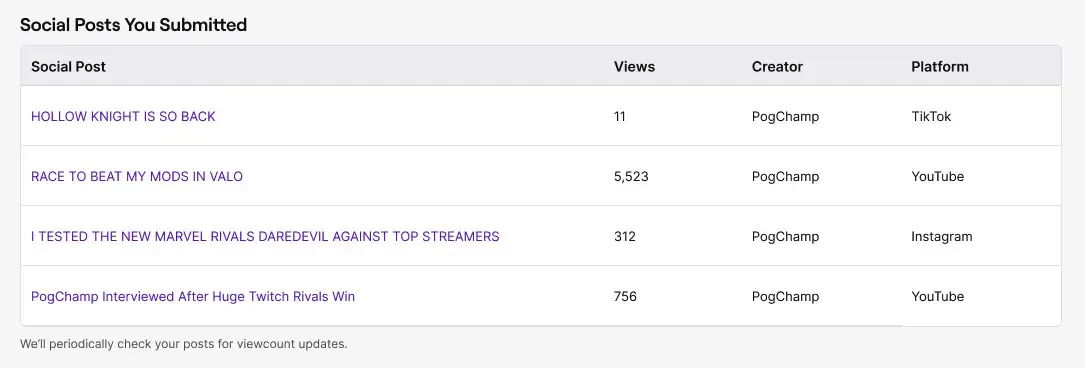
Views accumulate across all your posts for each streamer, so multiple smaller posts can eventually unlock higher tier badges. Posts must be submitted within 30 days of publishing, and your social accounts need to be linked to your Twitch account for verification.
Who Can Participate?
There are a few requirements that limit who can earn these badges:
For Streamers: You must enable “let viewers upload clips” in your Clip Settings (opens in a new tab) to participate. This is opt-in, so the feature won’t activate automatically.
For Viewers: You need to be either a subscriber or have followed the channel for at least 3 months. You also can’t be banned from the channel, and neither you nor the streamer can have each other blocked.
Should You Enable This?
The core value proposition is clear: incentivize your existing audience to promote your clips on platforms with better discovery algorithms than Twitch. In theory, this could help your content reach new audiences who might not otherwise find you.
To make sure viewers know where to find you, your Twitch channel name and your TikTok handle will be automatically added to viewers’ posts.
The Upside:
- Free marketing from engaged fans who were already likely to share your content
- Gamification that might motivate more consistent sharing
- Creates a visible status symbol for your most dedicated promoters
The Downside:
- The view thresholds are substantial, especially for smaller creators. Getting to 10,000 views across social posts is genuinely difficult unless you have fans with decent followings.
- You’re essentially asking viewers to become unpaid marketers, which might not sit well with everyone
If you have an engaged community that actively shares your content already, enabling Social Media Badges is essentially adding a reward system for behavior that was already happening. The badges give you a way to publicly recognize your most effective promoters.
Pete’s Content Corner
Delve into my weekly selection of content creation highlights – handpicked videos, podcasts, and tweets that promise to captivate, educate, and entertain.
- Twitch published a comprehensive guide covering all their chat safety tools (opens in a new tab), from AutoMod and Shield Mode to newer features like Chat Prompts and Ban Evasion Detection. Nothing new here, but it’s a solid reference for creators wanting to understand the full suite of moderation tools available.
- Squeezie’s GP Explorer 3 averaged over 500,000 concurrent viewers with a peak of 1.37 million on Twitch (opens in a new tab), generating approximately 10 million watch hours during the weekend racing event. The weekend event also drew 1.22 million TV viewers (opens in a new tab) and 200,000 in-person attendees, proving large-scale creator events can compete with traditional sports broadcasting.
- Twitch is preparing to launch Watch Streaks for all creators, including a Save a Streak (opens in a new tab) feature with multiple options: watching VODs, clips, stories, or catching the next live stream within 24 hours of a missed broadcast.
Thanks, as always, for taking the time to read Stream Report.
Pete ✌️