Stream Report Issue #228
Twitch Will Now Let You Cap Your Own Viewer Count
 By Pete Wilkins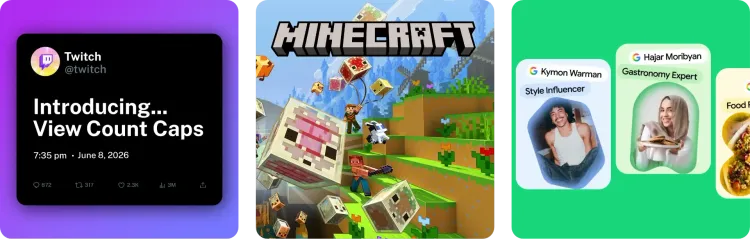
Twitch Hands the Viewbot Defense to Creators
Last month I covered Twitch's plan to cap the viewership of channels caught viewbotting, a punishment aimed at people inflating their numbers with fake traffic. At the time I flagged an obvious risk with that approach: if a cap is something the platform does to you, a bad actor could bot your channel to trigger one, or simply to make your numbers look fake and damage your reputation.
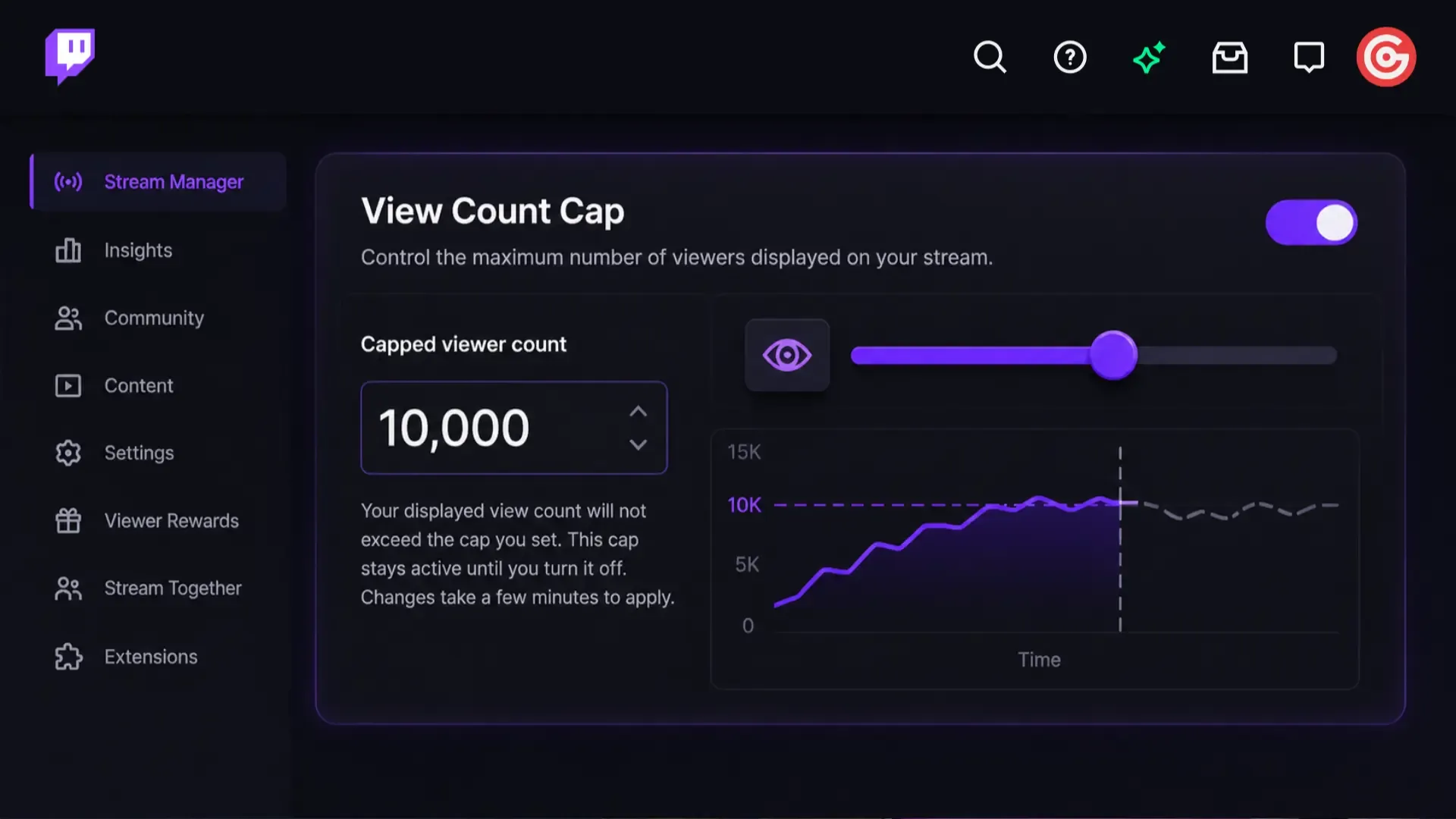
Twitch has now shipped a direct answer to that concern. On June 9, Twitch announced (opens in a new tab) an optional View Count Cap that creators can switch on themselves if they believe they're being targeted by bots.
How It Works
You set a cap based on your normal audience size, and Twitch holds your displayed CCV so it never climbs above it. The basics:
- Where: Settings, then Stream Manager, on your dashboard (opens in a new tab).
- How: enter a number, hit Set cap, and Remove it whenever you want.
- When: turn it on ahead of time as a precaution, or mid-stream if you think you're being botted.
- Duration: it stays on until you switch it off, and changes take a few minutes to apply.
For now the feature is limited to Partners, with a wider rollout promised soon, and Twitch has been clear that nobody is obliged to turn it on.
Who It's Really For
It's worth thinking about why a tool like this arrives now, because there are two ways to read it:
- The charitable read: it protects creators who get maliciously botted, which is a genuinely useful thing for the platform to offer.
- The cynical read: it hands a bit of cover to the handful of larger streamers who have been quietly benefiting from inauthentic traffic, knowingly or not, and who now have a tidy way to look like the responsible party by self-reporting just as Twitch's detection gets better at catching them.
Why I Wouldn’t Enable It
A cap set to your normal audience size will quietly flatten a genuine breakout. Imagine the version of this that should be good news, where you've spent months working on creating good content, posting clips and videos on every other platform and one night your stream is suddenly pulling more viewers than you're used to seeing.
That ought to read as your hard work finally landing and new people finding you, but this whole saga has trained streamers to jump to the gloomier explanation first and wonder "wait, am I getting viewbotted?", and if you've left the cap running through that moment Twitch will hold your displayed count at the ceiling you picked and you'll never even see the spike.
What Should You Do?
- If you're a Partner: find the setting now, under Settings then Stream Manager, so you know exactly where it is if a viewbot attack hits and you want to switch the cap on quickly.
- If you do enable it, remember to turn it back off once the threat passes.
- If you're not a Partner yet: keep half an eye on your dashboard as it rolls out more widely over the coming months. (opens in a new tab)
Pete’s Content Corner
My weekly picks from across the content creation world.
- Twitch and Minecraft kicked off a second sponsored run, "More Minecraft, More Challenges," (opens in a new tab) with a new campaign each week for three weeks and up to $1,000 total on offer. It is open to Partners and Affiliates in the US, UK, and Germany, and you qualify by streaming at least an hour of Minecraft with Channel Skins active during the window.
- Google rolled out Search Profiles for creators (opens in a new tab), a verified, customizable page that pulls your social accounts, links, and pinned videos into one official presence on Google Search and can trigger a Knowledge Panel. It is US only for now and requires a public profile with at least 100,000 followers on YouTube, Instagram, or X (300,000 on TikTok).
- YouTube has started rolling out Ask YouTube (opens in a new tab), a Gemini-powered conversational search that answers full questions and returns a curated set of videos instead of a keyword list. It's testing with US Premium members 18+ for now, but it's worth watching closely because it changes how viewers find you.
Thanks, as always, for taking the time to read Stream Report.
Pete ✌️