Stream Report Issue #237
Twitch Is Training Amazon’s AI on Your Streams
 By Pete Wilkins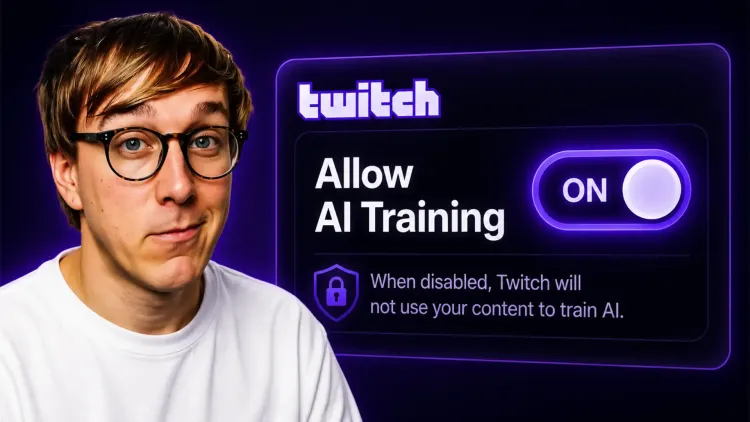
The short version:
- What happened: On August 12, Twitch enabled Amazon generative AI training for every account on the platform.
- What’s included: Your streams, VODs, Clips, Highlights and chat.
- How to stop it: Go to twitch.tv/settings/security (opens in a new tab), scroll to “Training for Generative AI” and untick it. It takes about fifteen seconds.
- The catch: The opt-out only applies from that point forward. Anything already taken stays taken.
Nobody was told this was happening. There was no email or in-product notification, so creators discovered the setting themselves and began spreading the word. Twitch also updated its Terms of Service (opens in a new tab) and Privacy Notice around the same time. By the time anyone was given the option to decline, every creator on the platform had already been enrolled.
What’s covered
According to Twitch’s own support documentation (opens in a new tab), leaving the setting enabled means the following can be used to train Amazon’s generative AI models:
- Your live streams, including audio
- Your VODs, Clips and Highlights
- Your stream chat
- Any text or images on your channel page
The FAQ also makes it clear that if you post a message in somebody else’s stream, whether it can be used depends on that creator’s opt-out preference, not yours.
Why it’s on by default
Twitch CPO Mike Minton joined Head of Community Mary Kish on stream to respond to the backlash (opens in a new tab) and was unusually direct about the reasoning:
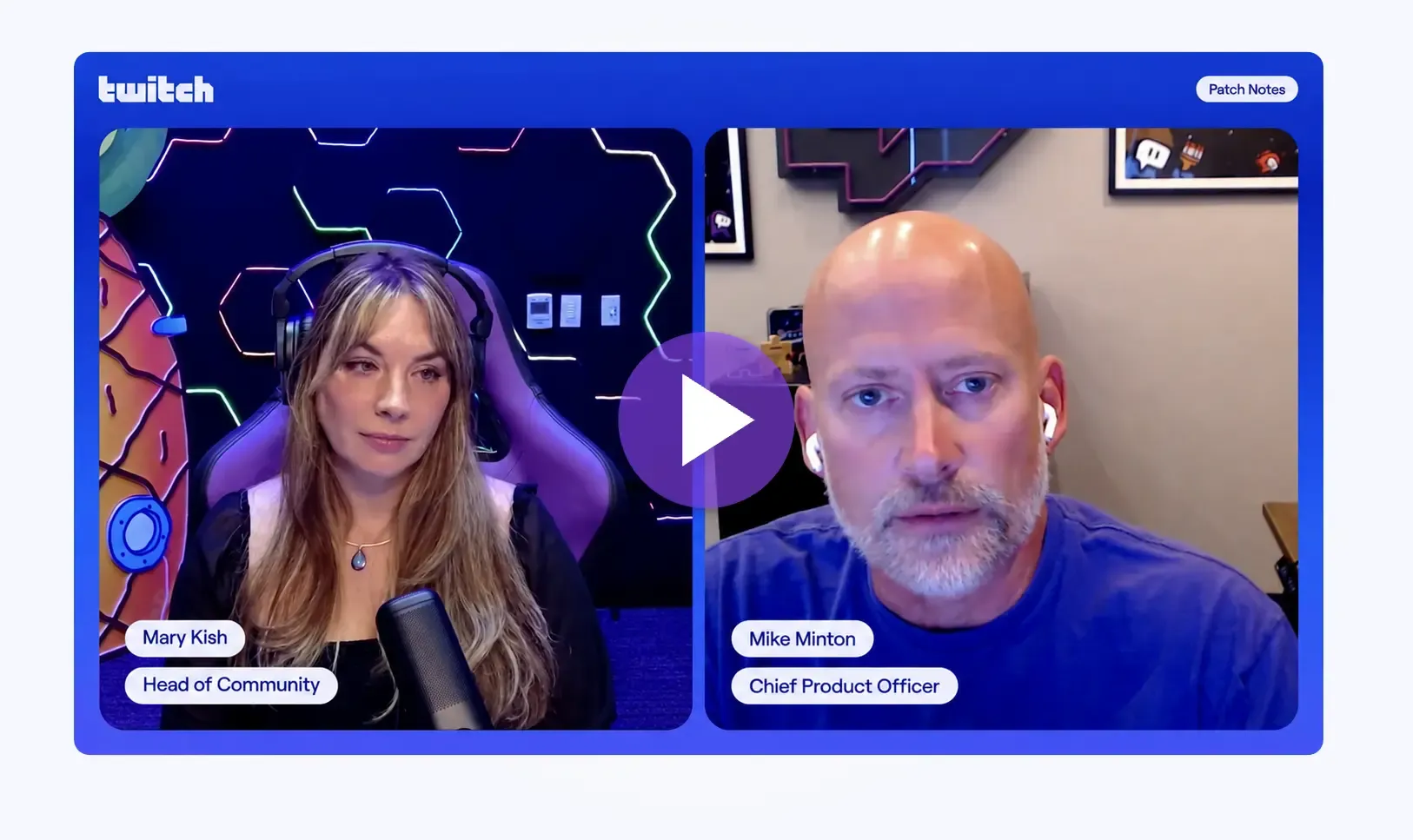
“If it was opt-in, nobody would opt in. That’s honestly the answer. So it’s going to be on by default.” - Mike Minton
The obvious follow-up is: why go ahead with it at all? Twitch’s own product chief is saying the platform knew in advance that creators would reject the proposal, then shipped it anyway with the question removed. Knowing what the answer would be is usually a reason to reconsider the plan, not a reason to stop asking.
It’s worth being fair about where this decision probably came from. Twitch is owned by Amazon, and a decision about what feeds Amazon’s models was never likely to belong to Twitch alone. Google is almost certainly doing something similar with YouTube, while plenty of AI companies scrape public streams without asking anybody. None of that changes what Minton confirmed: Twitch understood what its community wanted and chose to go in the opposite direction.
What opting out doesn’t do
Twitch hasn’t said what content has already been taken, and changing the setting won’t affect it either way. If a model has already been trained on your VODs, that model will continue to exist after you flip the switch.
Opting out also doesn’t disable AI across Twitch more broadly. AutoMod will continue to operate, automatic captions will keep working, and Twitch says features like these don’t retain your content to train systems that generate new material.
The distinction Twitch draws in its FAQ is between generative AI content models, which you can opt out of, and the AI used to operate or secure the service, which isn’t available as an individual setting.
There’s also a regional question around whether a default-on arrangement complies with European data protection law, where consent is generally something a person actively gives rather than something assumed on their behalf.
What should you do?
- Go and turn it off if you don’t want your content entering the pipeline. Visit twitch.tv/settings/security (opens in a new tab), scroll to “Training for Generative AI” and untick it.
- Tell your moderators and community. Chat is included, and nobody in your chat can exclude their messages from your channel’s data unless you turn the setting off.
- Check your other platforms while you’re at it. YouTube, TikTok and Discord all have their own arrangements, and quietly introducing changes like this isn’t unique to Twitch.
Pete’s Content Corner
My weekly picks from across the content creation world.
- YouTube will count a view the moment a video starts playing (opens in a new tab) from August 24, which brings long-form and live in line with how Shorts and TikTok already count. Your view numbers will go up without anything else changing, the old measure survives in analytics as "Engaged views", and YouTube says monetisation eligibility isn't affected.
- Google has cut the follower requirement for Search Profiles (opens in a new tab) from 100,000 to 35,000 on YouTube, Instagram and X, with TikTok coming down from 300,000 to 100,000. When I covered the launch back in June the old threshold ruled out most people reading this, and 35,000 brings a lot more channels into range. It's still US only.
- Twitch has confirmed that SUBtember runs from August 28 to October 1 (opens in a new tab), with 25% off one and three month subs and 30% off six month subs. Twitch covers the difference so your payout per sub doesn't change, and there's a bonus Bits week from September 12 where Custom Power-ups of 100 Bits or more get an extra 10% added on top.
Thanks, as always, for taking the time to read Stream Report.
Pete ✌️